
Free Brand Monitoring Tool: Copy What Top Brands Are Doing Online
🛍️ Products Mentioned (1)
Ever wondered where your competitors are listed online — or how top brands keep showing up everywhere? In this video, I’ll show you how to build and use a FREE Brand Monitoring Tool in Google Sheets that automatically finds every mention of your brand (or your competitors’) across the internet. 💻 Free Brand Monitoring Tool Here: https://goto.ronaldosborne.org/Ronald_Osborne_Business_Success_Cheat_Sheets Using Google’s own API, this tool scans search results for your business name — and pulls everything into a live spreadsheet, complete with: ✅ URLs & Snippets from Google ✅ Relevance Scores (so you know which listings matter most — Yelp, BBB, GAF, etc.) ✅ Automatic Domain Categorization (Social, Directory, Industry) ✅ Competitor Tracking — see every place they’re listed and copy it! No paid tools. No coding. No subscriptions. Just real-time brand monitoring you can use today to spy ethically, find backlink opportunities, and strengthen your online presence. 💡 What You’ll Learn How to use Google Sheets + Google Custom Search API for brand tracking How to uncover hidden directories and social profiles your competitors are on How to build your own brand monitoring system for FREE How to rank higher locally by mirroring your top competitors’ visibility #BrandMonitoring #CompetitorResearch #GoogleSheets #BusinessGrowth #LocalSEO #FreeTool #SEOTools #DigitalMarketing #CompetitorAnalysis #BusinessCoach #RonaldOsborne #BrandTracking
🎬 More from Ronald Osborne
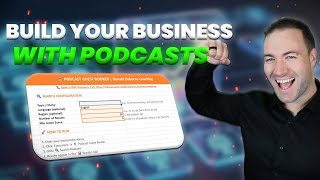
How To Find Podcast Guests That Will Grow Your Channel
52 views
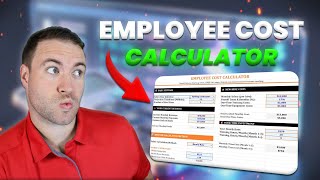
Accurate Employee Cost Calculator That Give Detailed Answers
62 views

how to estimate future cash flow of a business
14 views

Lead Nurturing System That Will Convert More Leads
130 views

Real Lead Follow Up Strategy That Will Triple Your Sales
57 views

Digital Diary For Goals: The 90-Day System That Actually Works
20 views