Create AI reports in your notes | Become an expert on any topic
🛍️ Products Mentioned (4)
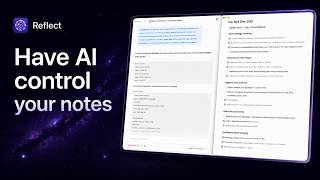
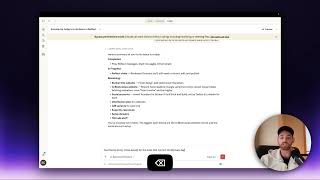
Using ChatGPT plugins, you can have an AI agent create market studies and research reports right in your notes! You can use this process to become an expert on any topic, or find relevant information for a project you are working on. This video will show you how to activate the plugins, prompt the AI agent, and work alongside it to complete the perfect report using AI. To use the AI reports workflow, you'll need the following: 1. A Reflect notes subscription or free trial - reflect.app 2. A ChatGPT+ subscription - to use Plugins ChatGPT Plugins: https://chat.openai.com/?model=gpt-4-plugins Plugins used: - Reflect - AI agents - WebPilot ............................................... ▼ ▽ TIMESTAMPS 00:00 Introduction to AI reports and demo 00:23 Activating the plugins 02:05 Prompting the AI report agent 02:55 Creating the right plan with the AI report agent 03:33 Editing the AI agent's strategy, then telling it to continue the plan 07:40 Adding in additional details for your AI report 08:18 Collecting all of the information together 10:06 Sending your AI report into your Reflect notes ................................................ ✨ Reflect is a note-taking app that helps you think better by creating associations between your thoughts and ideas through backlinks – just like your brain! It has AI integrations built in, making it the best AI note-taking app and productivity tool out there. 📩 SIGN-UP FOR A FREE 2-WEEK TRIAL OF REFLECT http://reflect.app/ ................................................ ▼ ▽ JOIN OUR COMMUNITY ON DISCORD https://reflect.app/discord 🌟 FOLLOW US ON TWITTER https://twitter.com/reflectnotes 📚 READ MORE ABOUT NOTE-TAKING ON OUR BLOG http://reflect.app/blog