
The Only AI Platform You Need as a Solo Content Creator in 2026
🛍️ Products Mentioned (2)
This is how you repurpose 1 Video Into 10 Pieces of Content using just one tool: Riverside. I tested Riverside AI to see whether a single recording could become a full content workflow: YouTube video, Shorts, captions, social posts, newsletter copy, podcast descriptions, translations, and direct publishing. In this video, I record a real promo trailer for Podcast YourWay inside Riverside, then use Riverside’s AI tools to edit the video, clean up the audio with Magic Audio, generate clips, add captions, create written content, translate the video into Spanish, and publish directly to YouTube. This video is sponsored by Riverside. Try Riverside for Free https://www.pss.media/riverside Next, watch our 3-setup livestream test (Beginner to Pro): https://youtu.be/gsYS4RtxEos?si=q6-BIf7vK6wDlAWy Ready to start your own show? Validate your idea for FREE with Module 1 of Podcast Your Way: https://www.podcastyourway.com. Timestamps: 00:00 Turning one video into 10 pieces of content 01:00 Recording inside Riverside 01:35 Text-based editing 02:25 Magic Audio test 03:20 AI Producer and Magic Clips 04:35 Made For You clips and segments 05:45 AI captions 06:35 Podcast descriptions, newsletters, and social posts 08:00 AI translation and dubbing 08:50 Publishing directly to YouTube 09:45 Final Riverside AI review 11:15 Who Riverside is best for
🎬 More from PSS Creative Media

My Husband’s $10K Studio vs My Tiny Cameras
1.2K views
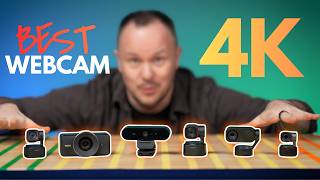
Best 4K Webcam 2026? My Wife Picked the Winner
1.9K views

Start Your Podcast the Right Way (Don't Become One of the 90%)
635 views
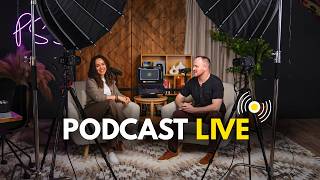
How to Start a Live Podcast: Multicam Audio Switching
2.3K views
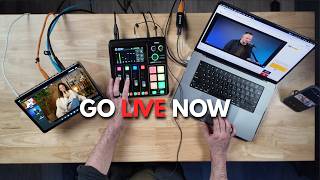
Your First Podcast Livestream: 3 Setups (Solo to Multi-Cam)
22.5K views
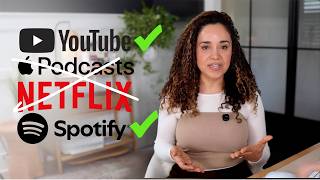
Apple Podcasts Video: What Nobody’s Telling You (And the Strategy That Actually Works)
2.0K views