
How To Connect n8n AI Agent To Slack | Step by Step
💾🤖 Want to automate Slack notifications and interactions using n8n AI Agent? 🚀 In this video How To Connect n8n AI Agent To Slack | Step by Step, I’ll guide you through setting up the integration, creating workflows, and sending automated messages to Slack efficiently. 🔍 What You’ll Learn in This Tutorial: ✅ How to connect n8n AI Agent with your Slack workspace 🔗 ✅ Step-by-step process to create automated Slack workflows ⚡ ✅ Sending messages, alerts, and updates to channels or users 📩 ✅ Configuring triggers and actions for AI-powered automation 🛠️ ✅ Tips to optimize communication and workflow efficiency ✅ 🛠 Features Covered: Setting up Slack credentials in n8n Configuring AI Agent triggers and workflow actions Sending automated messages and notifications Testing and monitoring workflow execution Best practices for AI-powered Slack automation 💼 Best For: Teams automating notifications and updates in Slack 👥 Developers exploring AI integration with communication tools ⚡ Project managers managing tasks and alerts efficiently 📊 Anyone wanting to leverage n8n AI Agent for Slack automation 🚀 🎓 Bonus Tips: Use conditions in workflows to avoid unnecessary messages ⚡ Format Slack messages for clarity using Markdown ✨ Test workflows in a private channel before going live 🛠️ Combine with other apps in n8n for advanced automation 🔄 🔔 Don’t Forget to Like, Share, and Subscribe for More n8n & Slack Automation Tutorials 2025!
🎬 More from Phylux Express

TRIPO AI FULL TUTORIAL | How to Generate Production-Ready 3D Models Step by Step
234 views
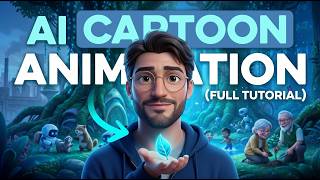
AI ANIMATION FULL TUTORIAL | How to Create AI Animation Stories Step by Step
225 views
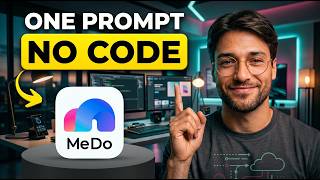
MEDO AI FULL TUTORIAL | How to Build a Full Stack AI App from One Prompt (No Coding)
169 views

HEYGEN AI FULL TUTORIAL | AI Avatars, Video Translation, Lip Sync & Custom Voices
106 views
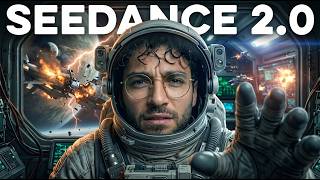
SEEDANCE 2 FULL TUTORIAL | How to Create Cinematic Videos Using AI
24 views
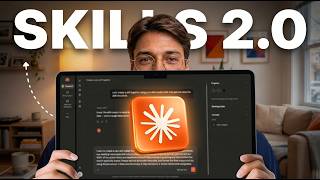
CLAUDE SKILLS 2.0 UPDATE | New Features and Improvements Explained
372 views