
How To MOTION TRACK Objects in Premiere Pro (Step by Step Tutorial)
🛍️ Products Mentioned (2)
In this Premiere Pro tutorial, I’ll show you exactly how to motion track ANY object — step-by-step, with no plugins. Download the project file: https://drive.google.com/drive/folders/1CS0sUwjqaUVaAzgrVN88RzO4rUhg1eHb?usp=share_link 🎯Lock on to your subject and give your edits that polished, pro look — perfect for ads or edits that demand attention. 🔔 Subscribe for more fast editing hacks, Premiere Pro tutorials, and effects breakdowns. 👉 https://linktr.ee/miracamp to learn more and enroll in Miracamp today. 🚀 Don’t wait — your creative future starts now! #premierepro #editing #editingtutorial #adobepremierepro #adobe Chapters: 00:00 - Intro 00:08 - What is Tracking? 00:19 - Adding Gridlines 01:31 - Object Tracking 03:21 - Outro
🎬 More from Miracamp
Best Export Settings For DaVinci Resolve (Youtube, Instagram, TikTok) | Full Tutorial
1.7K views
Easy Flash Transition in Premiere Pro (MasterClass)
10.4K views
How to Create the Creed Edit Cut Out Effect | Premiere Pro (Step-by-Step Tutorial)
11.5K views
How to Create a Rapid Blur Transition in Premiere Pro (Smooth Blur Zoom Effect)
2.1K views
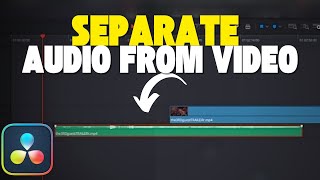
How To Separate Audio From Video In Davinci Resolve
3.8K views
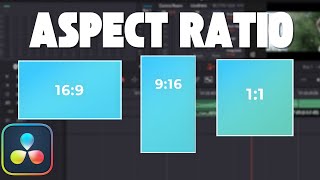
How To Change Aspect Ratio in Davinci Resolve (Step by Step Tutorial)
6.3K views