
Send personalized emails at scale
🛍️ Products Mentioned (3)
Learn how to create highly personalized mass email campaigns using Mailmeteor. We cover how to import your contacts and insert dynamic variables (merge tags) into your email body and subject lines to build 1-on-1 relationships at scale. Read the full step-by-step guide here: https://mailmeteor.com/docs/campaigns/advanced/personalization?product=dashboard _______________ 📚 Learn more Mailmeteor website ► https://mailmeteor.com Mailmeteor Dashboard ► https://dashboard.mailmeteor.com/ _______________ #gmail #mailmeteor #mailmerge #emailmarketing #tips #emailtips Be sure to subscribe for more actionable emailing tips. _______________ 🎬 STAY TUNED: Mailmeteor ► https://mailmeteor.com/ YouTube ► https://www.youtube.com/channel/UCdaxx2ivkw6gJySZyorDswA Twitter ► https://twitter.com/mailmeteor LinkedIn ► https://www.linkedin.com/company/mailmeteor _______________ 💬 QUESTIONS OR FEEDBACK? Have a topic idea or a question that needs answers? Drop a comment on the video or tweet at us! Don't forget to subscribe to the channel and share on social media!
🎬 More from Mailmeteor
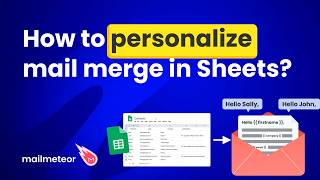
How to personalize your mail merge in Google Sheets
80 views
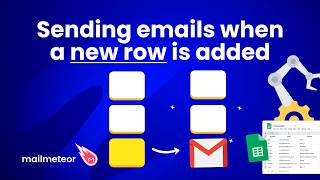
How to create a mailing list in Google Docs?
64 views
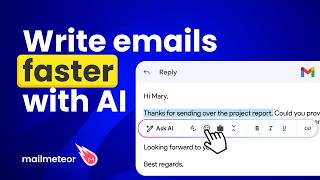
How to use AI to draft email in Gmail
148 views
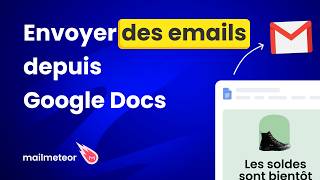
Créer un publipostage et l'envoyer par email sur Google Docs
41 views
Créer un publipostage et l'envoyer par email sur Google Sheets
95 views
How to create senders in Mailmeteor?
283 views