Is this your channel?
Logitech Mx Master 3
Logitech Mx Master 3
The Logitech MX Master 3 is my go-to productivity mouse, especially as a content creator. What I love most is the number of buttons and features, which makes it easier to work faster when I’m editing or designing.
Buy on Bit
You'll be taken to Bit to complete your purchase.
Pros
- +Numerous buttons and features for productivity workflows
- +Wireless setup helps maintain a clean desk
Cons
- -Larger shape may not be ideal for smaller hands
What Kevin De La Cerna says
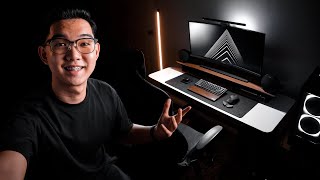
“1 inches with a 21 by 9 aspect ratio at 1440p resolution which comes in very handy for that extra screen real estate this means that i could have a bigger timeline on my screen and still have that extra room for other tabs which saves me a lot of time in the edit it also has hdr 100 srgb which depicts that deep black levels on the screen and a 100hz ips display which already comes pro art color calibrated right off the box as a guy who is used to single monitor setups this upgrade surely ties my dream data setup all together now i've been getting a lot of questions about this light on top of my monitor well this is the base monitor light bar if you're someone like me that usually works late at night i could definitely recommend this product since it somehow helps in reducing eye strain by lighting up your desk at night moving on to the peripherals i have decided to go full wireless with my mouse and keyboard to achieve that clean and minimal look for my keyboard this is the kikron k6 and i just love the small footprint this keyboard has on my desk to the right we have the well-known productivity mouse the logitech mx master 3”