
Stop Wasting Hours Clipping Your Videos (Do This Instead)
Turning long-form videos into clips used to take forever. Now, it doesn’t. In this video, I’m breaking down how to use HeyGen Instant Highlights to automatically turn your long-form videos into short clips, without manually scrubbing through your entire timeline. We’ll go over: • How Instant Highlights finds key moments in your videos • How to turn one video into multiple short clips • How to customize clip length, format, and captions • Why manual clipping can waste time, cause burnout, and miss the best moments • How creators can get more content out of the videos they already made This isn’t just about making clips faster. It’s about saving time, avoiding burnout, and actually showing the best parts of your content. Get more HeyGen updates at: https://www.instagram.com/heygen_official/ https://x.com/HeyGen https://www.linkedin.com/company/heygen https://www.tiktok.com/@heygen.com #heygen #AvatarV #AIAvatar #DigitalTwin #AIVideo #HeyGenTutorial #AIVideoGeneration #ContentCreation
🎬 More from HeyGen

HeyGen's Hyperframes for Beginners: Hyperframes Explained (Episode 1)
1.1K views

How to Turn Trending Topics Into Videos Fast | AI Faceless Series EP. 6
1.2K views
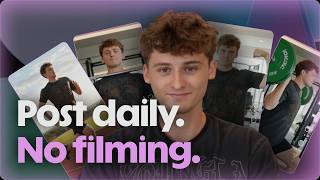
How to Create Daily Social Videos with an Al Avatar | SMB Series EP. 1
2.5K views

Starting with HeyGen: Make Your First Stock Avatar Video, Start to Finish (Episode 2)
4.4K views

Live customer use cases: Building with the HeyGen API
457 views

How Real Estate Creators Can Post More Without Filming Daily | AI Faceless Series EP. 5
1.4K views