
xTool screen printer unboxing + setup
🛍️ Products Mentioned (2)
Join me for a full unboxing and setup of the new xTool Screen Printer! In this video, I’m showing you how I use the xTool D1 Pro to laser engrave my own custom designs onto screens for professional-quality DIY printing at home. 🎨 Connect with me: Instagram - https://www.instagram.com/hanmade.art.studio Website - https://www.hannahashman.co.uk Substack - https://creativebecoming.substack.com/ Chapters: 00:00 Introduction and xTool Screen Printer Overview 00:54 Unboxing and Mounting the Screen 04:32 Setting Up the Printing Press 06:01 Part 2: Laser Engraving the Screen with xTool D1 Pro 10:05 Designing and Framing the Logo 12:08 First Print Test: Embroidery T-shirt 13:29 Screen Printing on Apparel (Gold Glitter Ink) 17:09 Branding and Printing on Packaging Boxes 20:51 Tote Bag Logo Printing (Black Ink) 23:32 Reviewing Engraving Time and Final Results 25:42 Testing Silver Glitter Ink on Fabric 27:51 Conclusion and Final Thoughts This video and description contain affiliate links. If you click on one of the product links, I’ll receive a small commission at no extra cost to you. This helps support the channel and allows me to continue to make videos like this. Thank you for the support!
🎬 More from Hannah Ashman

What I've been up to this last year and why I'm finally able to share ✨
115 views
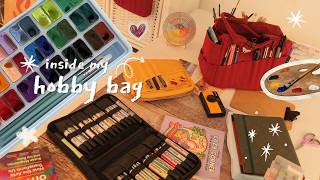
mindful hobbies I do instead of doom scrolling
423 views
what's inside my screen free hobby bag
229 views

everything I’ve been up to lately... ☁️ very chatty studio vlog & small business reality
126 views
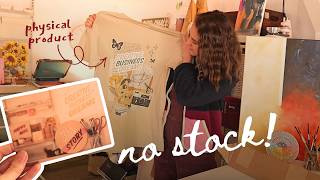
I ordered my own art with print-on-demand 🎨 here’s what happened (setup + review)
151 views
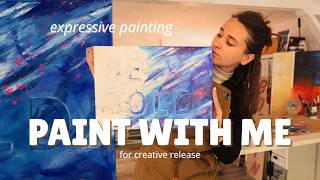
unwind with me 🎨 a very messy & therapeutic painting using heavy body acrylics
82 views