
Print Then Cut Tutorial | Silhouette Studio 5 and Cameo 4 | Inkjet & Sublimation Vinyl
#cameo #cameo4 #silhouette Learn how to master the Print Then Cut method using Silhouette Studio 5, HP OfficeJet Pro 7740, and Cameo 4 in this step-by-step tutorial! In this video, I show you how to: ✔ Upload a Creative Fabrica image into Silhouette Studio 5 ✔ Use Cameo 4 to cut out the design precisely ✔ Heat press the image onto Inkjet and Sublimation Vinyl for a vibrant, professional finish on a red cotton t-shirt This method is perfect for crafters, small business owners, and DIY enthusiasts looking to create high-quality custom t-shirts without a sublimation printer! 💡 Don’t forget to like, comment, and subscribe for more Silhouette and heat press tutorials! Image: https://www.creativefabrica.com/product/black-history-lips/ref/1393731/ Alternate Printable Vinyl Material: https://amzn.to/3QjsrJ2 Linktree: https://amzn.to/4b0NskU Collaborations: Candoris48@gmail.com Tiktok: https://www.tiktok.com/@candoris.creative?lang=en
🎬 More from Doris Edwards

Cricut Sand Painting Tutorial | Beautiful Textured Designs
1.1K views

Hack - Use Color Images for Sand Art
453 views

Sand Art Gets a CRICUT Upgrade | You Have to See This
1.8K views
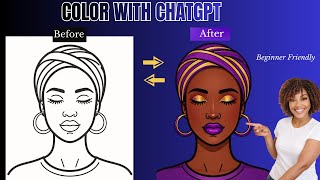
I Used ChatGPT to Color Illustrations and It's Insane
244 views

The Clear Glass Sublimation Method That Never Fails
597 views
This Simple 3D Printed Hanger Connector is a Game Changer
552 views