
How to PRINT a STENCIL - (& ELECTRO-ETCH it onto steel)
This video is all about printing a stencil and electro-etching the design onto steel (usually for the purpose of knife making, but can be used for any metal etching purpose really!). I use the Brother P-700 P-Touch label printer to print stencils in this video. I found this label printer that has a feature for heat printing onto stencil paper and I'm finding it works really well. This is where I bought the P-Touch in Australia. Super fast shipping and better price than anywhere else that I found: https://www.solutionsbybrandon.com.au/pt-p700-brother-pt-p700-label-printer-180-x-180-dpi-wired.html.html And this is the special stencil tape you need: https://www.inkstation.com.au/brother-ste151-genuine-24mm-black-text-on-clear-stencil-tape-3-metres-p-19538.html?utm_source=google-ads&utm_medium=cpc&utm_campaign=17668243377&utm_adgroup_id=&gad_source=1&gclid=Cj0KCQjwna6_BhCbARIsALId2Z19PVoMm1eYi47LQFd6jTIAcabEbkbmtzFqBvP4DIdgCAoM5Yj7pBsaApx3EALw_wcB There is nothing fancy needed with these stencils and after looking high and low for months, I found this is the best option for me as a new knife-maker. I originally heard about the P-700 when I was watching the Chop Knives channel. Craig had a really fast paced video showing the printer in action and I thought I'd look into it! Craig's channel is great https://www.youtube.com/c/ChopKnives/featured He also co-hosts the KnifeTalk Podcast which you can find on your fave podcast app.
🎬 More from CutWright
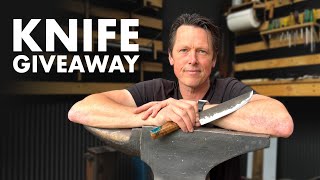
Forging and GIVING AWAY a CUSTOM Chef Knife
331 views
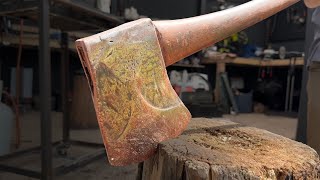
Competition Axe Restoration - with Simple tools
3.5K views
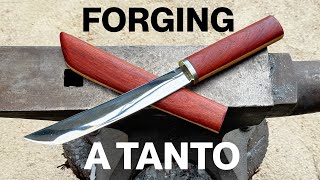
Knife Making - Modern TANTO - (Full Voice Over Version)
5.5K views
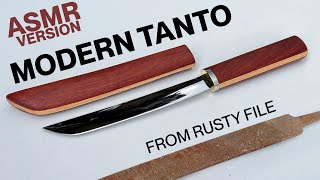
Forging a TANTO from a RUSTY FILE - No Speaking Version
1.1K views
How to FORGE TAPERS! Basic Blacksmithing Techniques you MUST know
460 views
3 Hour KNIFE MAKING CHALLENGE - Rusty FILE to CAMPING CHOPPER
156 views