
Rescuing an Abandoned Server - Building my new offsite backup!
🛍️ Products Mentioned (3)
In this video we take a look at an old server of mine which has been sitting untouched for over 3.5 years. As you can imagine, it was in quite a dire state so in this video, we clean it up, install a few upgrades and then install a clean copy of Proxmox VE to set this machine up as my new offsite backup server! Buy items shown in this video on Amazon (Affiliate): - StarTech SSD Bracket: https://geni.us/o6Qe - Battery Powered Air Duster: https://geni.us/XjUhD7t https://www.camerongray.me/ https://twitter.com/camerongray1515 Chapters: 00:00 - Introduction 01:10 - First Look at the Server 02:48 - Looking at the Hardware 06:42 - Cleaning 08:21 - New Hardware Upgrades 13:58 - First Power Up 15:15 - Installing Proxmox VE 16:18 - Proxmox VE Tour 23:10 - Conclusion *AFFILIATE LINKS NOTICE:* Product links under this video marked “(Affiliate)” are affiliate links where I may receive a small commission on qualifying sales. Affiliate programs that I am a member of include, _but are not limited to:_ Amazon Associates, eBay Partner Network and AliExpress Affiliates. As an Amazon Associate I earn from qualifying purchases. Purchasing through these affiliate links will not cost you any more money, however the commission earned significantly helps fund the production of videos on my channel.
🎬 More from Cameron Gray
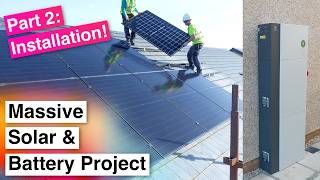
Adding a Massive Solar & Battery Storage System to my House — Part 2: Installation Day!
8.5K views
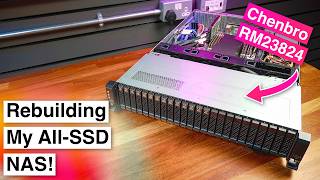
Rebuilding my All-SSD NAS into a Much Fancier Case! — Chenbro RM23824
24.0K views

Kicking off my Massive Solar & Battery Storage Project — Part 1: The Plan
8.2K views
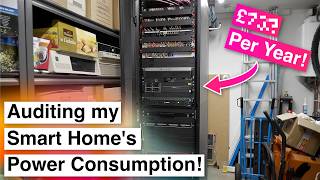
Breaking Down my Smart Home's Power Consumption — And How I Cut Over £300 a Year!
13.4K views

A Smart Remote Built Specifically for Home Assistant (Including Voice Control!) — Sanytron Astrion
21.7K views
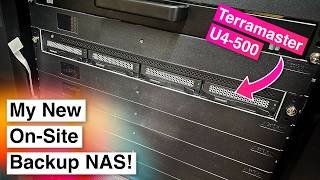
My New On-Site Backup Server! — TerraMaster U4-500
9.4K views