
Make Your Interactive PDFs Stand Out on Kindle Scribe with These New Features
🛍️ Products Mentioned (2)
Exciting news for all Kindle Scribe creators! 📣 We've just rolled out new features that let you add an author name to your interactive PDFs and customize the title that appears on your Kindle Scribe. In this video, I'll show you how to use these tools to make your books and content look even more professional. Adding an author name helps keep your brand front and center, ensuring your readers always see your name when they open your content. I'll also cover a quick and easy method for customizing the title of your PDF before you upload it, helping you maintain a polished, branded look for all your projects. If you have questions or suggestions for future upgrades, leave them in the comments below. Your feedback helps us continue to improve these tools for creators like you! 👉 Free 3-day trial of A Book Creator: https://abookcreator.com 👈 📢 Join our Discord Server: https://discord.gg/eeJ9Z8HCxR 🔔 Don't forget to like, subscribe, and hit the notification bell to stay updated with our latest tools and tutorials! 🔔 #PuzzleCreation #BookCreators #ABookCreator #ActivityBooks #gamebooks #PuzzleBooks #PuzzleMaker #PuzzleBookCreator #CreativeTools #TryItToday #freetrial #KDP #selfpublisher #KindleScribe #InteractivePDF
🎬 More from A Book Creator
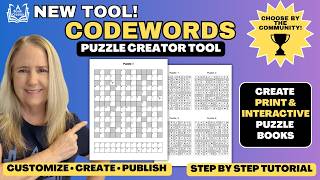
NEW Codewords Puzzle Creator Tool for KDP & Kindle Scribe | Full Tutorial
133 views
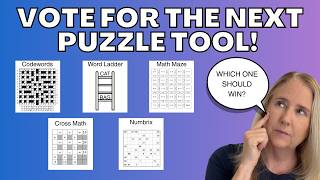
Vote for the Next Puzzle Tool for A Book Creator | Puzzle Tool Tournament Round 1
190 views
5 Planner Upgrades That Make People Buy (Not Just Browse)
155 views
ReMarkable Planner Sales Are Exploding — Create Them in Minutes
235 views
Multilingual Cryptograms: Create Puzzles in Spanish, French, German, Italian
232 views
✨ New Planner Tool Feature – Add Images to Your Pages in A Book Creator
237 views