
Create a Neon Eclipse Portrait in Photoshop | Fantasy Glow Effect Tutorial
🛍️ Products Mentioned (4)
Live Stream : https://youtube.com/live/eKhFKjWWE4w In this Photoshop tutorial, you'll learn how to transform a simple portrait into a breathtaking neon eclipse scene with vibrant purple and blue tones. We’ll cover lighting, color grading, and adding a glowing cosmic background to achieve this fantasy look. Perfect for beginners and advanced designers alike! Project Files : https://mega.nz/folder/3N5mEaYJ#T0roitiWbiuQ4KaHKK9sxQ Looking for custom cover, poster designs, or more? We’re available for commissions 📱 WhatsApp: https://wa.me/6282244617975 📩 Instagram: https://www.instagram.com/andhikazanuar 📧 Email: andhikazanuar@gmail.com 🌐 Our Services: https://www.zanuara.com Tell me in the comments what design you want next! Like & subscribe to keep up with more awesome Photoshop tricks. Click 'Join' to support! BGM: Music track: Catamaran by Ocean Bloom Source: https://freetouse.com/music Royalty Free Background Music
🎬 More from Andhika Zanuar

Dark Basketball T-Shirt Design | Photoshop Tutorial
217 views
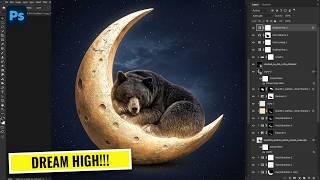
How to Create a Fantasy Bear on the Moon | Photoshop for Beginners
482 views
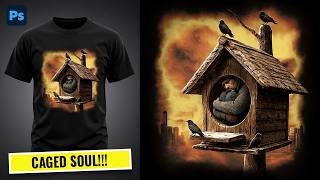
Dark Surreal T-Shirt Design - Apocalyptic Concept | Photoshop Tutorial
327 views
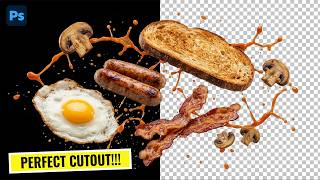
Make PERFECT PNG Cutouts in Photoshop (No Jagged Edges!)
584 views
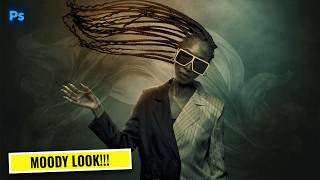
Turn Any Photo Into a Cinematic Masterpiece | Photoshop Color Grading Tutorial
368 views
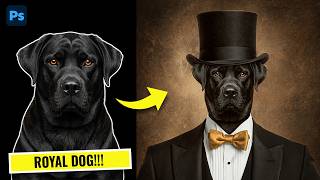
How to Create a Royal Dog Portrait in Photoshop (Classy Manipulation)
483 views