
Create a Dark Mirror Portal in Photoshop - Surreal Manipulation Tutorial
🛍️ Products Mentioned (3)
Live Stream : https://youtube.com/live/sUw2Va2L6zQ In this Photoshop tutorial, I’ll show you how I created a dark mirror portal with surreal cinematic lighting and hands emerging from the mirror. You’ll learn professional photo manipulation techniques used to create dark fantasy and cinematic scenes. This tutorial covers blending, lighting, shadows, color grading, and creating realistic surreal effects using Photoshop. Perfect for beginners and advanced designers who want to improve their Photoshop manipulation skills and create professional cinematic artwork. Project Files : https://mega.nz/folder/adAAXBgI#358pXaIV55edwqrGzFt7Mg DM us if you're looking for custom cover, poster designs, photo editing or more. E-mail for business : andhikazanuar@gmail.com WhatsApp: https://wa.me/6282244617975 Instagram: https://www.instagram.com/andhikazanuar Our Services: https://www.zanuara.com Tell me in the comments what design you want next! Like & subscribe to keep up with more awesome Photoshop tricks. Click 'Join' to support!
🎬 More from Andhika Zanuar
Dark Basketball T-Shirt Design | Photoshop Tutorial
217 views
How to Create a Fantasy Bear on the Moon | Photoshop for Beginners
482 views
Dark Surreal T-Shirt Design - Apocalyptic Concept | Photoshop Tutorial
327 views
Make PERFECT PNG Cutouts in Photoshop (No Jagged Edges!)
584 views
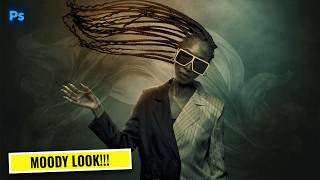
Turn Any Photo Into a Cinematic Masterpiece | Photoshop Color Grading Tutorial
368 views
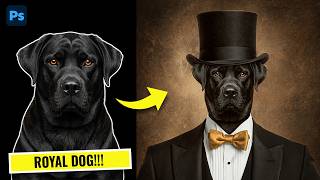
How to Create a Royal Dog Portrait in Photoshop (Classy Manipulation)
483 views