
Use Scrintal To Manage Your Work Life And Get More Done
🛍️ Products Mentioned (1)
🎉 BIG NEWS 🎉 This video is sponsored by Scrintal! Get a special discount when you sign up using the code WENDA20. Click here to get started 👉 https://www.scrintal.com/?utm_source=YT&utm_medium=PNS&utm_campaign=A10203&d=WENDA20 📚 What You'll Learn In today's video, I'll show you how to level up your work productivity using Scrintal! We'll cover: Setting up a Kanban board for your tasks Organizing a Backlog and Completed list Creating an Appendix for miscellaneous items 🛠 Tools & Resources Mentioned Scrintal: Scrintal Signup -Mhttps://www.scrintal.com/?utm_source=YT&utm_medium=PNS&utm_campaign=A10203&d=WENDA20 💡 Previous Scrintal Videos Intro to Scrintal: https://youtu.be/8ehC-0OqKIA How to Use Scrintal for Vacation Planning: https://youtu.be/ngsthydYwOM 🌟 Connect With Me Blog: Wendaful.com Instagram: @WendafulPlanning TikTok: @WendafulPlanning If you enjoyed this video, please give it a thumbs up, share it, and subscribe for more 'wendaful' tips! 🌟 00:00 Introduction 00:53 overview 01:23 tasks 02:51 backlog 03:40 completed 05:08 appendix
🎬 More from Wendaful

I Built a Tiktok-Inspired Analog Planning Basket (And It Actually Works)
328 views
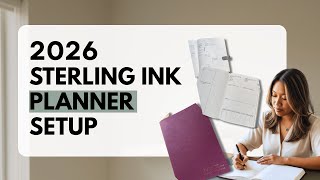
2026 Planner Setup: Sterling Ink Common Planner B6 Horizontal Layout
4.2K views

Amazon accessories for my Heirloom Journals travelers notebook and sterling ink planner!
164 views

Budget-Friendly Smart Family Calendar You NEED to See (Amazon Review)
10.5K views

I Switched Planners Mid Year | Sterling Ink B6 Common Planner
12.2K views
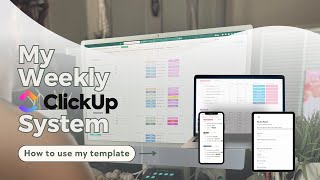
How I Actually Plan My Week in ClickUp
1.1K views