
How To Connect Internet From Mobile To PC Via Hotspot, USB Tethering & Bluetooth Easily!
There are 3 Easy Ways to Connect Internet from Mobile to PC or Laptop via Hotspot, USB Tethering and Bluetooth on Windows 10 and 11. Actually, I have shown all three methods in one video to use android mobile data to pc for internet. Easy way to use your mobile internet in your pc as follows - The 1st method - How to connect or share mobile internet to PC via Hotspot without data cables. It starts at - 0:15 The 2nd method - Let's connect internet from mobile to Laptop using usb tethering. It starts at - 1:52 And the 3rd & final method - How to share Mobile Internet to Computer via Bluetooth Tethering. It starts at - 2:58 Thank you. Stay tuned.
🎬 More from VirtualSkills

Best Cheap Web Hosting for Ecommerce | Verpex Hosting Review 2026
48 views
How to Use TopMediai AI Music Generator for Free | Best Suno AI Alternative!
538 views
How to Create Song with AI Easily | Tunesona AI Music Generator Free!
402 views
How to Create A Business Email for Free with Namecheap Private Email in 2026
1.8K views
How To Use Chrome Remote Desktop Android in 2026 | Control Your PC with Phone From Anywhere!
3.7K views
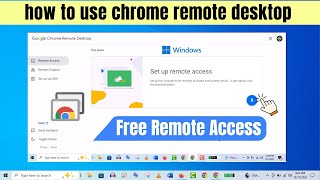
Chrome Remote Desktop Setup | How To Use Google Chrome Remote Desktop Correctly!
8.3K views