
Bluestacks 5 Best Settings for Low End PC - Bluestacks 5 Lag Fix for 4GB and 2GB RAM
Bluestacks 5 Best Settings for Low End PC on Windows 10 and Bluestacks 5 Lag Fix for 4GB and 2GB Ram for Smooth Gaming in 2021. In this tutorial, you will know how to fix lag in bluestacks 5 for the best gaming experience of this emulator for low end pc or laptop. Well, it all depends on your system configuration, as different settings can work better for different system configuration. If you have better configuration, then simply give it more cpu and ram. But I am here showing the bluestacks 5 best settings for 4 gb ram and 2gb ram PC. You should take this take this video as a guideline and test your gameplay to find out which settings work for your system. Thank you so much. How to Enable Virtualization (VT-x) in Windows 10 - https://youtu.be/MFuxInYlpN8
🎬 More from VirtualSkills

Best Cheap Web Hosting for Ecommerce | Verpex Hosting Review 2026
48 views

How to Use TopMediai AI Music Generator for Free | Best Suno AI Alternative!
538 views

How to Create Song with AI Easily | Tunesona AI Music Generator Free!
402 views

How to Create A Business Email for Free with Namecheap Private Email in 2026
1.8K views

How To Use Chrome Remote Desktop Android in 2026 | Control Your PC with Phone From Anywhere!
3.7K views
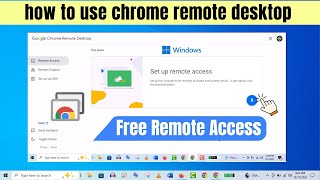
Chrome Remote Desktop Setup | How To Use Google Chrome Remote Desktop Correctly!
8.3K views