
Tutor.com Client Portal Orientation
Welcome to our Tutor.com Client Portal orientation. This video will go over the different features of the administrative and reporting functions of Tutor.com. If you are an administrator of your institution's tutor.com program, your Client Services Manager (CSM) has probably already set you up with a Client Portal account. You can access this login page by visiting: www.tutor.com/YourProgramName/admin - if you need help finding your program's Client Portal login or can't remember your password, contact your CSM. You can also find a lot of helpful information mentioned in this training on our Partners and Promoters Page (www.tutor.com/clientcarek12) and our other YouTube videos. We encourage you to view this video to learn the details of editing User Accounts within the Client Portal: https://youtu.be/MEtF9SmJM9Y. If you have any questions, trouble accessing the Client Portal, or any outreach thoughts, don't hesitate to reach out to your program's CSM or contact us at clientsupport@tutor.com.
🎬 More from Tutor.com

Exploring Your Options After High School | Student Success Webinar Series | Spring 2026 | Tutor.com
38 views
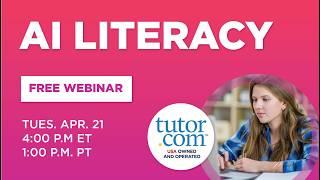
AI Literacy | Student Success Webinar Series | Spring 2026 | Tutor.com
265 views
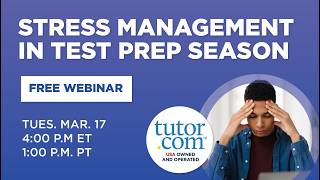
Stress Management in Test Prep Season | Student Success Webinar Series | Spring 2026 | Tutor.com
130 views
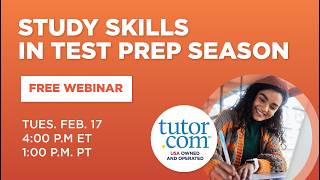
Study Skills in Test Prep Season | Student Success Webinar Series | Spring 2026 | Tutor.com
101 views

AP Social Studies Strategies and Insights Winter 2026 | Webinar | The Princeton Review and Tutor.com
64 views

AP Math Strategies and Insights Winter 2026 | Webinar | The Princeton Review and Tutor.com
51 views