
Managing User Accounts in the Client Portal
This short video will help your team use the User Accounts tab in the Client Portal. Any Administrators that have Account Management access can add, edit, activate, and deactivate users whenever you need. This includes updating usernames, changing passwords, updating a student's location/school, or deactivating an account if he/she is no longer a part of your program. Log into your Client Portal today and see how easy it is!
🎬 More from Tutor.com

Exploring Your Options After High School | Student Success Webinar Series | Spring 2026 | Tutor.com
38 views

AI Literacy | Student Success Webinar Series | Spring 2026 | Tutor.com
265 views
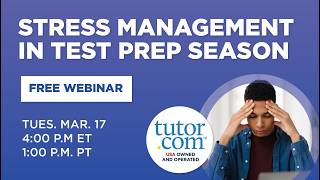
Stress Management in Test Prep Season | Student Success Webinar Series | Spring 2026 | Tutor.com
130 views

Study Skills in Test Prep Season | Student Success Webinar Series | Spring 2026 | Tutor.com
101 views

AP Social Studies Strategies and Insights Winter 2026 | Webinar | The Princeton Review and Tutor.com
64 views

AP Math Strategies and Insights Winter 2026 | Webinar | The Princeton Review and Tutor.com
51 views