
Get Smart Home Alerts in Your Car (Without an App)!!
🛍️ Products Mentioned (5)
🚗💡 Get smart home alerts in your car, even if your devices only support SMS messages — no app required! In this video, I walk you through how I built a Notification Bridge using Home Assistant that routes messages intelligently based on Bluetooth presence, Tesla seat sensors, and more. Whether you’re using a Tesla, Meta Ray-Bans, or any Bluetooth-connected car, this automation ensures you never miss an important update from your smart home. ⸻ 🛠️ What You’ll Learn: • How to send Home Assistant notifications via SMS • How to route alerts based on Bluetooth connections • Setting up notification groups • Using scripts and templating in Home Assistant • Bonus: Using Tesla seat sensors for presence detection ⸻ 🧰 Tools & Links Mentioned: 🔗 *Magic Mind Discount*: 👉 https://magicmind.com/SMARTJUNE 💥 Use code SMARTJUNE for up to 48% off your first subscription 🌐 Blog Post with Code Example: https://tsh.li/yt159post 📄 Home Assistant Docs: - Gmail: https://tsh.li/hagmail - Notification Group: https://tsh.li/hanotify 💬 List of Email-To-SMS Addresses: https://tsh.li/SMSEmail 🔗 YAML Script Tutorial (GitHub/blog): 📄 https://www.youtube.com/watch?v=nETF43QJebA ⸻ 📲 Subscribe for More Smart Home Tutorials If you found this helpful, hit that 👍 and consider subscribing for weekly smart home tutorials, automation walkthroughs, and the best new devices. #HomeAssistant #SmartHome #TeslaAutomation #BluetoothAutomation #HomeAssistantTutorial #HomeAssistantScripts #NotificationRouting #SmartHomeDIY
🎬 More from This Smart House
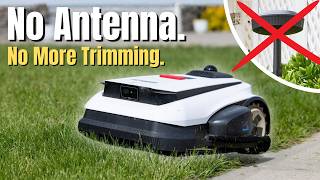
This Robot Mower Actually Trims the Edges — Ecovacs GOAT A3000 LiDAR
383 views
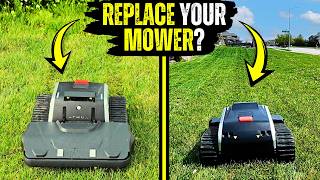
Lymow One Plus - Can a Robot Mower Actually Cut Like a Real One?
3.0K views
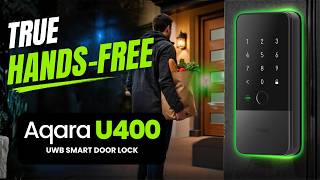
Unlock Your Door Without Lifting a Finger: Aqara U400
1.2K views

Olight ArkPro vs Ultra — Which One Should You Actually Buy?
4.7K views

Ecovacs T80S Omni: The Upgrades That Really Matter
2.7K views
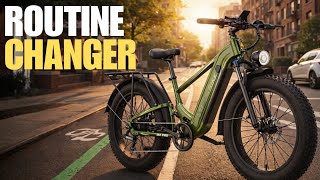
Can a Sub-$1,000 E-Bike Actually Change Your Daily Routine?
11.3K views