

Host unlimited websites with free SSL at $28/year
DreamHost is the main platform I’m using in this tutorial, and I recommend it if you want a simple way to host multiple websites with SSL. The panel is custom (not cPanel), but once you know where the options are, it’s easy to add domains and manage sites.
You'll be taken to Click to complete your purchase.
Pros
- +Can host unlimited websites (as per offer) with free SSL
- +Works well once DNS/nameservers are configured properly
Cons
- -Custom panel can feel confusing if you’re used to cPanel
Featured in 17 videos
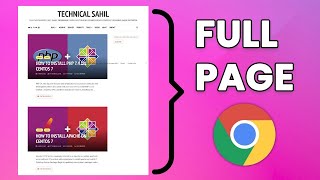
How to Capture Full Web Page Screenshot in Google Chrome
1K views · 2024-02-03 11:45:26
How to Transfer Emails From One Gmail Account to Another
21K views · 2024-02-03 11:37:16
How to Use PuTTY SSH Client on Windows
4K views · 2024-02-03 11:25:58
How to Backup WordPress Website (Without Any Plugin)
2K views · 2024-01-27 13:02:31
How to Login via SSH on DreamHost
688 views · 2024-01-27 12:53:50
How to Setup an Business Email on DreamHost
2K views · 2024-01-27 12:46:27
How to Enable FTP User on DreamHost
2K views · 2024-01-27 12:40:11
How to Access phpMyAdmin on DreamHost
2K views · 2024-01-27 12:34:09
How to Install WordPress on DreamHost
2K views · 2024-01-27 12:29:23

How to Install Let's Encrypt on DreamHost
1K views · 2024-01-27 12:23:37

How to Add a Website on DreamHost
2K views · 2024-01-27 12:15:55
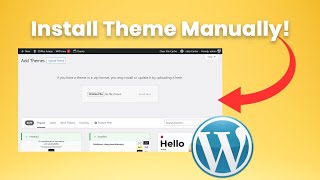
How to Install WordPress Theme Manually & Import Demo Data
11K views · 2024-01-12 11:17:30
How to Install WordPress on Subdomain
1K views · 2024-01-12 05:01:38

How to Create Subdomain in cPanel & Install Free SSL on it
5K views · 2024-01-12 04:50:28

How to Install WordPress in cPanel Manually
2K views · 2024-01-03 05:43:15

How to Install Free SSL Certificate on Shared Hosting
2K views · 2024-01-02 02:12:41
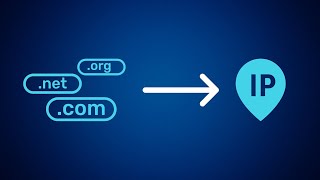
How to Connect Domain Name to Web Hosting
2K views · 2024-01-01 12:02:01