
Website
Website
If you want more of my beginner-friendly, step-by-step tutorials, my website is where I organize everything in one place. It’s the easiest way to find the guides that match what you’re trying to do—AI tools, Microsoft 365, Google apps, and workflows like the ones in this video.
Pros
- +Central place to find Teacher's Tech tutorials and resources
- +Good for beginners who want step-by-step walkthroughs
Cons
- -Some topics may be covered more deeply on the YouTube channel
Featured in 12 videos
Google Gemma 4 Tutorial - Run AI Locally for Free
21K views · 2026-04-05 11:30:05

Claude MCP Tutorial: Give Claude Superpowers in 30 Seconds
15K views · 2026-04-01 11:44:18

Claude Code: Data Analysis Without the Spreadsheet Headaches
3K views · 2026-03-30 11:01:05
Claude Skills: Build Your First AI Assistant (Never Repeat Prompts Again)
15K views · 2026-03-19 11:01:30

8 Apps in 15 Minutes? Gemini Canvas Makes It Possible
11K views · 2026-03-17 11:01:26

Perplexity Computer: 6 Advanced Features That Changed Everything
16K views · 2026-03-15 11:01:31
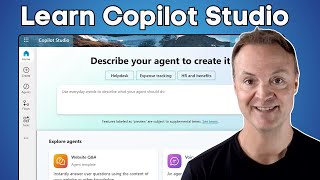
How to use Microsoft Copilot Studio for Beginners
40K views · 2025-10-15 11:01:48

🎨 Learn Photopea: The Free Photoshop Alternative You Need!
63K views · 2025-03-24 10:01:13
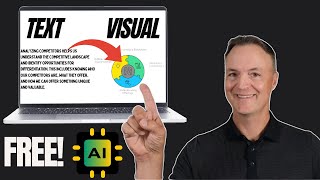
Get PROFESSIONAL Visuals in Minutes NOT Hours with Napkin AI
22K views · 2024-10-04 11:00:28
Outlook Email Signature Made Simple with Canva
29K views · 2024-08-14 11:01:01
Let AI Create Your Next Google Slides Presentation
40K views · 2024-08-01 12:00:59

Microsoft Lists for Beginners - Simplify Your Life
78K views · 2024-05-06 11:00:01
Website
Available on Teachers
External purchase
Highlights
- +Central place to find Teacher's Tech tutorials and resources
- +Good for beginners who want step-by-step walkthroughs
Recommended by
Teacher's Tech