
Is this your channel?
Typeless here
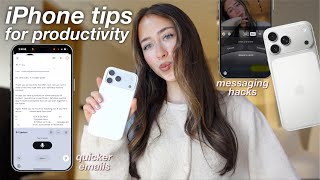
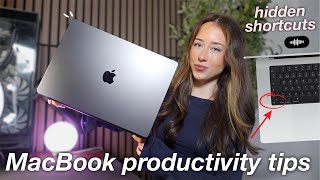
Typeless is the main tool I’m using in this video to make my MacBook feel voice-controlled, and it’s honestly one of the biggest productivity upgrades for me. I use it for journaling, planning my day in Notes/Notion, writing professional emails by speaking naturally, and instantly rewriting text without switching tabs. It keeps me in flow and saves me hours every week.
Pros
- +Turns casual speech into clean, structured text (removes filler words)
- +Auto-formats emails with subject line, spacing, and sign-off
- +Works across apps like Notes and Notion
- +Lets me highlight text and ask for summaries, explanations, rewrites, or translations
- +Still works when speaking softly or whispering
Cons
- -You have to get used to speaking instead of typing
- -Not ideal if you need complete silence or can’t use voice at all
Featured in 2 videos
Typeless here
Available on Typeless
External purchase
Highlights
- +Turns casual speech into clean, structured text (removes filler words)
- +Auto-formats emails with subject line, spacing, and sign-off
- +Works across apps like Notes and Notion
Recommended by
Simply Sofia