
Is this your channel?
How to recover iPhone data
How to recover iPhone data
For deleted photos, videos, and messages, this is what I used inside Dr.Fone: Data Recovery. I connect my iPhone with USB-C, choose what I want to scan (like Photos or Messages), and then recover it either back to my device or to my computer—especially useful when iCloud isn’t backing up.
Pros
- +Recovers deleted photos/videos and messages from the device
- +Lets you choose specific data types to scan (like Photos only)
- +Supports WhatsApp data and attachment recovery
Cons
- -Recovery results can vary depending on what’s still on the device
- -Requires a wired connection to scan from the iPhone
Featured in this video
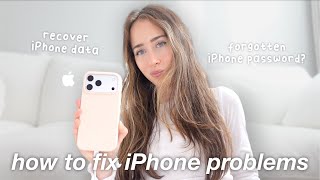
How to recover iPhone data
Available on Bit
External purchase
Highlights
- +Recovers deleted photos/videos and messages from the device
- +Lets you choose specific data types to scan (like Photos only)
- +Supports WhatsApp data and attachment recovery
Recommended by
Simply Sofia