
Is this your channel?
Amazon Product
Amazon Product
I used UPLIFT as the benchmark because it’s built like a tank compared to most desks I’ve installed. In my tests it was the fastest, had solid collision detection, and even lets you calibrate collision sensitivity—which is a genuinely useful feature in a real room with cabinets and gear.
Pros
- +Fastest lift speed in my testing
- +Collision detection worked as expected
- +Adjustable collision sensitivity is a standout feature
- +Higher-end hardware and plastics feel more substantial
Cons
- -More expensive than budget frames like FlexiSpot
- -Heavier-duty build can mean more parts and a more involved setup
What Ruslan Tulupov says
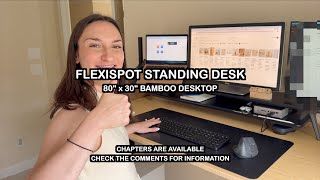
“Compared to the Jarvis BY fully standing desk and compared to the Uplift L-shaped standing desk, I found the setup to actually be a little easier since there were less steps involved and less things to think about because while the other brands put the legs closer to the rear of the desk, Flexispot puts theirs in the middle, which cuts out a couple of the steps related to positioning the legs and feet correctly”
“The parts and materials are smaller and lighter and thinner than on fully or uplift desks, and the difference in quality is noticeable”
“The tabletop legs and screws and materials are about 40 to 50% of the quality of fully and uplift desks”
“The cost at $200 for the frame only is only 42% of the cost of the uplift frame at roughly $470 before tax”
“To further elaborate on the quality of the materials, while the Fully and Uplift desks use solid, thick metal, the metal on the legs was not as thick, maybe about 50 to 60% of the thickness”
Featured in this video
Amazon Product
Available on Amazon
External purchase
Highlights
- +Fastest lift speed in my testing
- +Collision detection worked as expected
- +Adjustable collision sensitivity is a standout feature
Recommended by
Ruslan Tulupov