
Mastering Obsidian Templates: My Workflow and Setup Tips
🛍️ Products Mentioned (4)
//Obsidian Starter Vault Downloads Free Kit: https://ko-fi.com/s/33678f10a7 (Free) Pro Kit: https://ko-fi.com/s/c8e544e005 (Donation) Obsidian App: https://obsidian.md/ //Obsidian Beginners Guide https://www.youtube.com/playlist?list=PLJJdpQJ7fSkYEMgPf_eLSdhSFyZACsBai // Chapters 00:00 - Intro 00:20 - Part 01 - Obsidian Templates Overview 01:30 - Part 02 - Showcasing my templates and workflow 09:12 - Part 03 - How to Apply Obsidian Templates 17:28 - Part 04 - How to Setup Your Own Template 26:16 - Outro //Description In today’s video, I’ll be sharing my Obsidian templates and workflow. We’ll explore how to apply templates effectively and dive into advanced techniques using the Templater and QuickAdd plugins. Join me as we unlock the full potential of Obsidian templates! //Community Plugins used - QuickAdd - Commander - DataView - Templater - Folder Notes - Minimal Theme Settings + Style Settings //Buy me a Coffee https://ko-fi.com/motion2082 // CommunityFeedback I hope this video has provided you with some valuable insights. By learning how to create a templates in Obsidian and spending some time learning Templater and QuickAdd , you'll save yourself hours of time adding new templates and reformatting notes in the future. If you found this video valuable, please consider sharing it with a friend who might benefit. Don't forget to give it a thumbs up if you enjoyed it!
🎬 More from Paul Dickson

Every Obsidian Vault I've Made | The Ultimate Vault
1.7K views
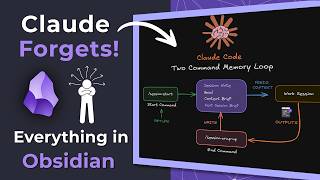
Claude Forgets Everything in Obsidian. I Fixed It!
6.1K views
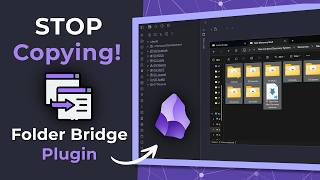
Stop Copying Files Into Obsidian | Folder Bridge Plugin
5.7K views

Turn Your AI Chats into Permanent Obsidian Notes (Step-by-Step)
2.9K views

Obsidian RSS Dashboard — What I Changed and Why
2.6K views

AI Tools inside Obsidian — Which One is Right for You?
2.8K views