
How to Search and Filter your Dataview Queries Like a Pro
🛍️ Products Mentioned (4)
//Obsidian Starter Vault Downloads Free Kit: https://ko-fi.com/s/33678f10a7 (Free) Pro Kit: https://ko-fi.com/s/c8e544e005 (Donation) Obsidian App: https://obsidian.md/ //Obsidian Beginners Guide https://www.youtube.com/playlist?list=PLJJdpQJ7fSkYEMgPf_eLSdhSFyZACsBai // Chapters 00:00 - Intro 00:37 Part 01 - Showcasing Dataview Search and Status Filter 03:14 Part 02 - Theme Choice and Community Plugins 03:44 Part 03 - How to Setup your Dataview Search and Status Filter 10:26 - Outro //Description In today’s video, I’ll show you how to create a dynamic status filter and a search field for your Dataview tables in Obsidian. These features are easily applicable to any Obsidian Vault. If you’re an Obsidian user wanting to enhance your note-taking experience with advanced search and filtering capabilities, this video is just for you. By the end, you will gain new techniques for effectively filtering and finding notes in your Obsidian Vault. Join me as we explore how to optimise your Dataview queries! //Plugins Used Calendar Dataview Folder Notes Meta Bind Minimal Theme Settings Style Settings Templater //Buy me a Coffee https://ko-fi.com/motion2082 // CommunityFeedback Dataview is a powerful community plugin for Obsidian that, when paired with advanced queries, can transform how you manage and search your data. While it may seem overwhelming at first, a little guidance can greatly enhance your data search and filtering experience. If you found this guide helpful, please take a moment to like this video, subscribe to the channel, hit the bell icon to enable notifications so you never miss out on future Obsidian tips and tricks. Also, if you know someone who would benefit from this information, feel free to share it with them—let's help the community grow together!
🎬 More from Paul Dickson

Every Obsidian Vault I've Made | The Ultimate Vault
1.7K views
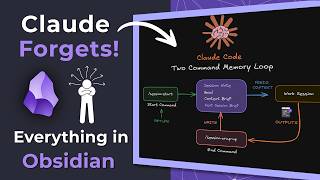
Claude Forgets Everything in Obsidian. I Fixed It!
6.1K views
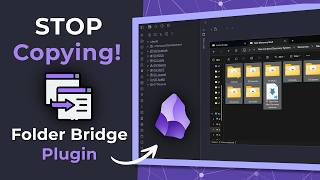
Stop Copying Files Into Obsidian | Folder Bridge Plugin
5.7K views
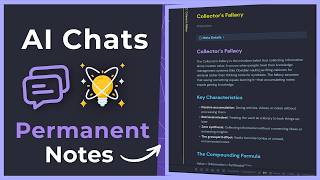
Turn Your AI Chats into Permanent Obsidian Notes (Step-by-Step)
2.9K views

Obsidian RSS Dashboard — What I Changed and Why
2.6K views

AI Tools inside Obsidian — Which One is Right for You?
2.8K views