
Is this your channel?
Working with Word Tables
1.7K views· 23 likes· 8:04· Oct 21, 2022
Working with Word Tables should be easy! It just takes three steps, 1. Create a table, 2. fill in the information in the table, and lastly, formatting the table. But, we also take a look at how to add formulas to a table, how to merge rows, and how to create a heading row in this tutorial!
🎬 More from Mike's Office
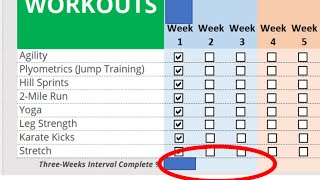
Create a status bar in Excel with formulas!
27.1K views

Convert Word to PDF from Laptop
81.8K views

This Excel practice exam was saved by....
21.9K views

Secret Excel Exam Project 3 (auto gallery)
8.0K views

Easily Share a Word doc like a Google Doc
35.8K views

Excel Exam Secrets (Part 2) from a Canadian
9.6K views