
The LCMD Microserver is a Tiny Powerhouse, With An AI Brain Add-on!
🛍️ Products Mentioned (3)
Discover the LCMD Microserver and its powerful companion, the AI Pod. Together, these form a compact homelab solution that enables you to run Docker containers, host your own media server, manage private AI tools, and more. Whether you’re into self-hosting, personal cloud setups, or building your first homelab, this powerhouse is designed to make it easy! 🖥️ Specs: Intel i5 13500H | 16GB DDR5 RAM | 500GB + 2TB NVMe #Homelab #Server #AI #SelfHosting ADDITIONAL INFORMATION --------------------------------------------------- Check out the LCMD Prelaunch Page - https://mklements.short.gy/LCMDMicroserver Visit My Blog For The Written Review - https://www.the-diy-life.com/lcmd-microserver-ai-pod-a-compact-homelab-powerhouse/ PURCHASE LINKS --------------------------------------------------- LCMD Microserver & AI Pod - https://mklements.short.gy/LCMDMicroserver Tools & Equipment Used: Video Capture Card AVerMedia GC513 - https://amzn.to/3HPXBGW Some of the above parts are affiliate links. By purchasing products through the above links, you’ll be supporting this channel, at no additional cost to you. CHAPTERS --------------------------------------------------- 0:00 Intro 0:45 Microserver Unboxing & Specifications 3:05 Inside The Microserver 4:45 Microserver Setup & Testing 6:46 AI Pod Unboxing & Specifications 8:55 Inside The AI Pod 9:37 AI Pod Setup & Testing 11:56 Pricing 13:16 Privacy 15:48 Final Thoughts If you've got any ideas for Raspberry Pi, Arduino, or other Electronics projects or tutorials you'd like to see, let me know in the comments section.
🎬 More from Michael Klements
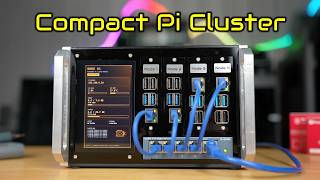
I Built a Raspberry Pi Cluster That Fits in My Hand - Makera Z1 CNC Build
7.8K views
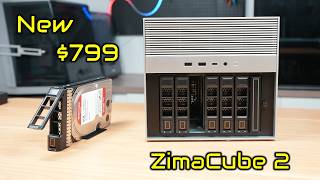
The New $799 ZimaCube 2 Has Features It Shouldn’t…
6.9K views
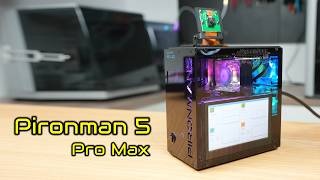
This Raspberry Pi Case Has a Screen, Camera & Speakers!
4.8K views
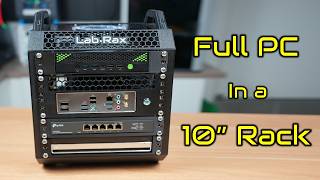
I Fitted A Full PC Into My 10” Lab Rax Homelab
23.9K views
A $0.001 Cloud AI Model Beats My Raspberry Pi Setup
13.0K views
I Built a 5" Portable Raspberry Pi Homelab
83.1K views