
Grafana Weather Dashboard on a Raspberry Pi using InfluxDB and an ESP32 - In-Depth Tutorial
🛍️ Products Mentioned (9)
Raspberry Pi 4b (A Pi 3b/Pi 400/CM4 can also be used)
Power Supply
ESP32 Microcontroller
MicroUSB Cable
Grove Sensor's From Beginner Kit
Breadboard
Breadboard Jumpers
Portable Monitor (Shown at the end)
Additional information on using and creating dashboards on Grafana
Following one of my previous projects where I built a weather station dashboard on the reTerminal, I had quite a few requests to do a more in-depth tutorial on how to get each part set up and running. So in this tutorial, I’m going to be going through each part of the process, step-by-step, so that you can get a similar setup running on your Raspberry Pi. ADDITIONAL INFORMATION --------------------------------------------------- Visit my blog for the full written tutorial - https://www.the-diy-life.com/grafana-weather-dashboard-using-influxdb-and-an-esp32-in-depth-tutorial/ PURCHASE LINKS --------------------------------------------------- Raspberry Pi 4b (A Pi 3b/Pi 400/CM4 can also be used) - https://amzn.to/3dYeVqg Power Supply - https://amzn.to/3EhPts8 ESP32 Microcontroller - https://amzn.to/3obvOV7 MicroUSB Cable - https://amzn.to/32oxy54 Grove Sensor's From Beginner Kit - https://amzn.to/31my42U Breadboard - https://amzn.to/3lnrqAB Breadboard Jumpers - https://amzn.to/3xFop3f Equipment Used Portable Monitor (Shown at the end) - https://amzn.to/3n4Lk3X Some of the above parts are affiliate links. By purchasing products through the above links, you’ll be supporting this channel, with no additional cost to you. CHAPTERS --------------------------------------------------- 0:00 Intro 0:55 Setting Up The ESP32 & Sensors 2:45 Sending Our Sensor Data To InfluxDB 6:35 Creating Our InfluxDB Database 11:06 Installing Grafana On Our Raspberry Pi 14:45 Creating Our Weather Dashboard 18:01 Resizing The Dashboard For Fullscreen Mode 18:35 Final Thoughts If you've got any ideas for Raspberry Pi, Arduino, or other Electronics projects or tutorials you'd like to see, let me know in the comments section. #influxdb #raspberrypi #grafana #esp32
🎬 More from Michael Klements
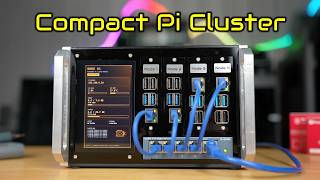
I Built a Raspberry Pi Cluster That Fits in My Hand - Makera Z1 CNC Build
7.8K views
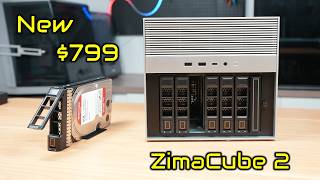
The New $799 ZimaCube 2 Has Features It Shouldn’t…
6.9K views
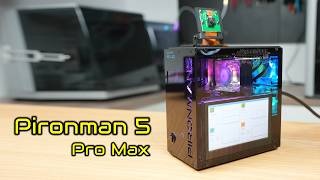
This Raspberry Pi Case Has a Screen, Camera & Speakers!
4.8K views
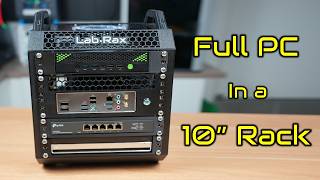
I Fitted A Full PC Into My 10” Lab Rax Homelab
23.9K views
A $0.001 Cloud AI Model Beats My Raspberry Pi Setup
13.0K views
I Built a 5" Portable Raspberry Pi Homelab
83.1K views