
Is this your channel?

Add Rama Screenshot to Chrome
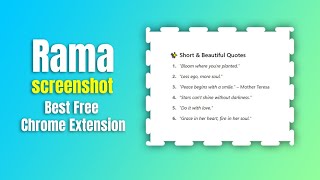
Rama Screenshot is the tool I use in this video to take instantly aesthetic screenshots with gradients, shadows, rounded corners, and clean auto padding. The mask tool is the standout feature for me because it adds a designer look you don’t usually find in other screenshot extensions.
Pros
- +Beautiful gradient presets plus full gradient controls (linear/radial, angle, flip)
- +Auto padding for perfectly balanced spacing
- +Unique mask tool with curve control for designer-style screenshots
- +Blur tool for hiding sensitive information in one click
- +History panel stores the last 50 screenshots
Cons
- -Because it’s a new extension, some users may see a Chrome warning during install
- -Mask library is currently limited (15 masks) compared to a full future library
Featured in this video
Add Rama Screenshot to Chrome
Available on Chromewebstore
External purchase
Highlights
- +Beautiful gradient presets plus full gradient controls (linear/radial, angle, flip)
- +Auto padding for perfectly balanced spacing
- +Unique mask tool with curve control for designer-style screenshots
Recommended by
Let's Learn