
3 Landscape Plan Rendering Styles in Photoshop
🛍️ Products Mentioned (4)
In this tutorial, I show how to create three different landscape plan rendering styles in Photoshop, all starting from the same base plan. We go step by step through a full sketch-to-render workflow, covering a watercolor style, a minimalist graphic style, and a realistic landscape plan style—so you can choose the right visual language for different design stages and presentations. 🌳Brushes: https://landscapearchitecture.store/products/photoshop-tree-and-shrub-brushes-pack-abr https://landscapearchitecture.store/products/watercolor-tree-brushes https://landscapearchitecture.store/products/premium-top-view-landscape-plan-tree-brushes-and-psd-trees https://landscapearchitecture.store/products/free-realistic-trees-top-view 💬 Your Turn Which landscape plan style do you prefer—watercolor, minimalist, or realistic? Drop a comment and let me know how you’d use these styles in your own projects. 👍 Like | 💬 Comment | 🔔 Subscribe for more Photoshop + AI tutorials for landscape, architecture, and urban design #landscapedesign #landscapearchitecture
🎬 More from LandSpace Architecture
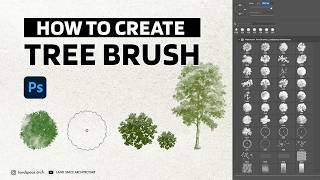
How to Create Tree Brushes for Landscape Design in Photoshop (2026)
1.9K views
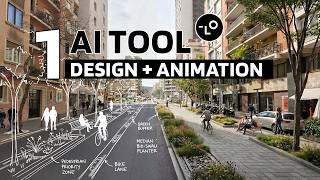
AI Streetscape Animation from One Street View 🤯 | Full Workflow (Sketch to Render)
24.7K views

Urban Context Analysis AI Agent Tutorial
4.1K views

From Zero to Deployed | Vibe Coding an ArchViz Platform
3.6K views
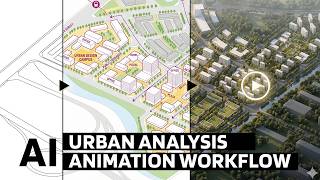
From SketchUp to AI Animation | Urban Analysis Workflow Explained
15.9K views
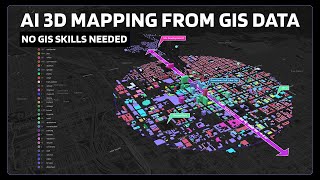
Why Urban Designers Are Abandoning Traditional GIS for This
8.5K views