
How to Build an AI Customer Service Agent (Step-by-Step Tutorial)
🛍️ Products Mentioned (1)
Ready to build an AI customer service agent that resolves questions and drives sales 24/7? This step-by-step tutorial shows you exactly how to enable and configure Klaviyo Customer Agent for your Shopify store. We'll walk you through the entire no-code setup, from initial onboarding to testing your AI agent. Learn how to create a powerful AI agent for customer service that improves your customer experience instantly. ➡️ Get started with K:AI Customer Agent today: [Link to https://www.klaviyo.com/solutions/ai/customer-agent] TIMESTAMPS: 0:00 - Intro: Your new AI Customer Agent 0:16 - Start the Onboarding Flow 0:49 - Connecting Your Store & Scraping Data 1:08 - (Optional) Add Supplemental Knowledge (Help Docs) 1:27 - Configure Handoff Settings 1:58 - Complete Essential Setup (Fallback Message) 2:21 - How to Test Your AI Agent in the Playground 2:40 - Adding New Knowledge (Snippets, Webpages) 2:52 - Enable Your AI Agent on All Channels (Web Chat & SMS) 3:21 - Review Your AI Agent's Performance
🎬 More from Klaviyo
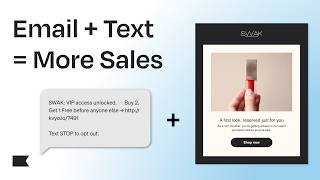
How to Integrate Email & Text Messaging for Higher Conversions | Klaviyo Tips
120 views

How to Use SMS Marketing to Boost Conversions and Drive Immediate Revenue
166 views

How This Shoe Brand Boosted Clicks by 2500% with AI
238 views

How to Build an Advanced Omnichannel Content Calendar (Klaviyo Guide)
177 views

What Is an Advanced WhatsApp Marketing Strategy? (Complete Guide)
230 views

How to Use Forms at Every Stage of the Marketing Funnel (Klaviyo Guide)
122 views