
GoPro Tutorial: Parallax 2.5D
🛍️ Products Mentioned (5)
This video tutorial teaches you to how to use an effect called Parallax 2.5D to add movement to your GoPro photos or frame grabs. These “moving photos” can then be incorporated into your GoPro videos. This technique can be used with photos taken from any GoPro, such as the Hero 10/9/8 Black, 7 Black, Silver, or White, the Hero 6, Hero 5, or any Hero camera. GoPro’s Quik for Desktop and Adobe Photoshop CC 2017 are used in this tutorial. If you don’t own Photoshop but you want to make some these photo/videos, Adobe offers a 7-day trial. Gather your photos and make some using their free trial. I’m not promoting their products, but they are very useful. Deepest gratitude to everyone for watching and for buying my How To Use GoPro books! Jordan Hetrick HERE ARE THE LINKS TO MY MOST RECENT BOOKS: To learn invaluable information about Settings, Mounting, Filming, Editing, and Sharing, and more, check out my books: Buy How To Use The GoPro HERO 10 BLACK at Amazon:https://amzn.to/3m5REH7 Buy How To Use The GoPro HERO 8 BLACK at Amazon: https://amzn.to/3juoKhl Buy How To Use The GoPro HERO 8 BLACK at Amazon: http://bit.ly/GPHero8Book Buy How To Use The GoPro HERO 7 BLACK at Amazon: https://amzn.to/2QFtKkD #JordanHetrick Music: Jason Shaw "Landra's Dream" Licensed under Creative Commons: By Attribution 3.0 License http://creativecommons.org/licenses/by/3.0/
🎬 More from JORDAN HETRICK
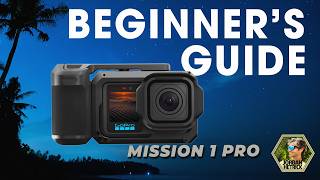
GoPro MISSION 1 Pro | Beginners Guide & BEST Settings
10.8K views
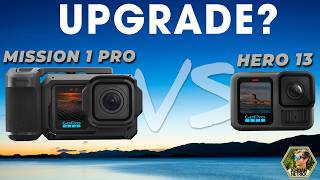
GoPro Mission 1 Pro vs GoPro HERO13 Black | Worth the Upgrade?
43.5K views
Insta360 X4 Air Review: The Best Budget 360 Camera?
3.6K views

AntiGravity A1 Long-Term Review — This Drone Changed How I Fly
4.8K views

Antigravity A1 Huge Update: Voice Control Changes Everything (+ 5 More Upgrades)
4.8K views
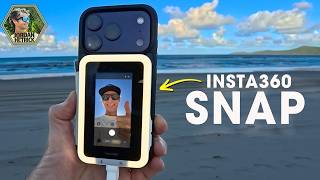
Insta360 Snap Review- Vlogging & Selfie Screen Gamechanger!
10.0K views