
Uptime Kuma: Monitor Availability of All Your Websites and Services Including Steam Game Servers
🛍️ Products Mentioned (5)
Uptime Kuma is a lightweight, responsive, and easy to configure application for monitoring your homelab and external services. In this video I discuss some of the key features, provide an overview for Docker deployment, walkthrough the deployment steps, and showcase how to configure Uptime Kuma for a number of different monitors. Docker-Compose: https://github.com/JamesTurland/JimsGarage/tree/main/UptimeKuma Steam API Key: https://steamcommunity.com/login/home/?goto=%2Fdev%2Fapikey Find me on: Discord: https://discord.gg/qW5vEBekz5 Twitter: https://twitter.com/jimsgarage_ Reddit: https://www.reddit.com/user/Jims-Garage GitHub: https://github.com/JamesTurland/JimsGarage 00:00 - Introduction to Uptime Kuma 01:08 - Uptime Kuma Features 04:04 - Docker Config Review 04:41 - Docker Deployment 06:45 - Uptime Kuma Web GUI & Basic Configuration 15:12 - Notifications 17:53 - Outro and Next Video
🎬 More from Jim's Garage
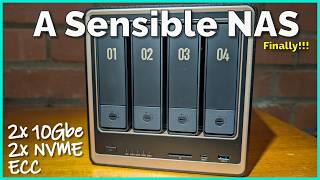
UGREEN NAS DXP4800 GT - There's a lot to like here...
3.9K views

Is Asus' Hailo Edge AI the Replacement?
5.5K views
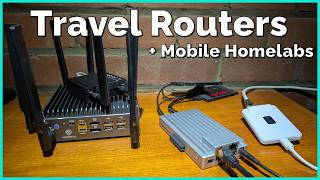
When did these become so cool!?
5.6K views

Audiobookshelf - A Free, OpenSource Way to Listen to Audiobooks
9.0K views
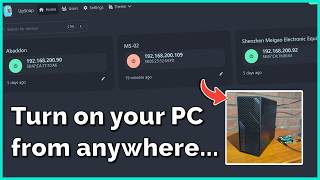
Wake On LAN - The Essential Homelab Service
12.9K views

Tiiny AI is the AI Companion I've been waiting for!
14.4K views