
Homelab Networking with MikroTik - VLAN Setup [Part 3]
🛍️ Products Mentioned (5)
MikroTik make high performance, cost effective networking solutions. In this video I show how to create a basic homelab network with VLANs, DHCP, DNS, and Firewall rules. Videos Referenced: MikroTik VLAN: https://youtu.be/US2EU6cgHQU GitHub: https://github.com/JamesTurland/JimsGarage/tree/main/ Support this channel to get access to perks: https://www.youtube.com/channel/UCUUTdohVElFLSP4NBnlPEwA/join Discord: https://discord.gg/qW5vEBekz5 X: https://twitter.com/jimsgarage_ Bluesky: https://bsky.app/profile/jimsgarage.co.uk Reddit: https://www.reddit.com/user/Jims-Garage GitHub: https://github.com/JamesTurland/JimsGarage 00:00 - MikroTik Overview 02:14 - MikroTik Devices 04:20 - Network Diagram 05:27 - WinBox and Connections 07:20 - Updates & DHCP 11:00 - VLANs 23:09 - Testing VLANs with Proxmox 26:50 - Firewall Rules 29:50 - WiFi and VLANs 34:20 - Outro
🎬 More from Jim's Garage
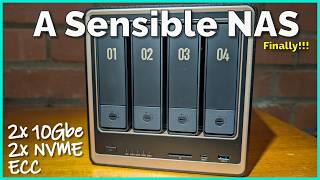
UGREEN NAS DXP4800 GT - There's a lot to like here...
3.9K views

Is Asus' Hailo Edge AI the Replacement?
5.5K views
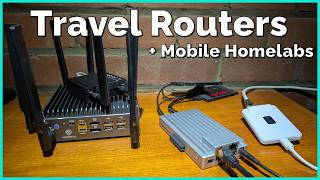
When did these become so cool!?
5.6K views

Audiobookshelf - A Free, OpenSource Way to Listen to Audiobooks
9.0K views
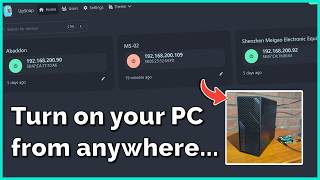
Wake On LAN - The Essential Homelab Service
12.9K views

Tiiny AI is the AI Companion I've been waiting for!
14.4K views