
Tracktion Waveform 11 Free: Using Presonus ATOM with Waveform 11 (Video 13)
🛍️ Products Mentioned (1)
Applies to Free, OEM, and Pro editions. In this video I show how configure and use the Presonus ATOM Pad controller for use with Waveform 11. This video covers: Configuration as a MIDI Device Configuration as a control surface Mapping the pads to the Waveform Micro Drum Sampler, Drum Sampler, or Multi-sampler Using the pads to play drum or instrument sounds Walk through how to set up the ATOM using its Setup button And how to map extra buttons to Waveform functions like Zoom, the transport, and master volume. While the ATOM device is optimized for Studio One and Ableton Live, it is an affordable, general purpose 16-Pad Controller for any DAW including Waveform 11. Presonus ATOM (affiliate link) https://amzn.to/3eX85DV
🎬 More from Inventive Gear
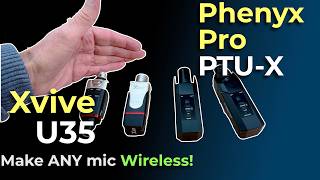
Phenyx Pro PTU X vs Xvive U35: Make ANY Mic Wireless
1.6K views
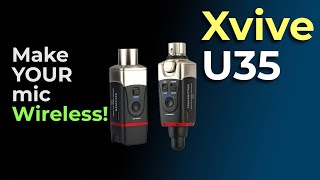
Make ANY Dynamic Mic Wireless | XVive U35 Review
392 views
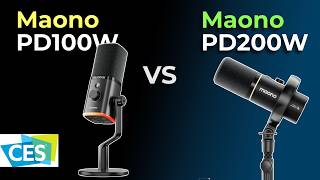
MAONO PD100W Review: Wireless Dynamic Microphone with USB & AI Noise Reduction for Podcasts & VO
1.4K views
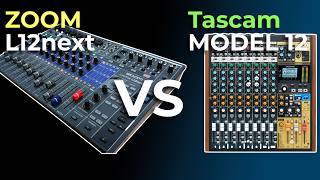
Zoom L12next vs Tascam Model 12: USB Interface, Recorder, Workflow Compared
10.3K views
I tried the NEW Audimee Stem Splitter and was AMAZED!
961 views
How I transfer Vinyl to 32-bit digital | Gear | Setup | DrumDrops
904 views