
How to CREATE a SMOOTH TRANSITION in Adobe Premiere Pro!
🛍️ Products Mentioned (4)
This is how to create and save a smooth transition in Adobe Premiere Pro that you can use anytime, anywhere. It's easily repeatable and will streamline your video editing. In this tutorial we will cover features in Adobe Premiere Pro including Offset's, Directional Blur's and Keyframe's to bring that boring transition to life. __________________________________________ Get FREE Premiere Pro Presets Here 👇👇👇 https://www.charlierowlands.com/store Get Adobe Creative Cloud Here 👇👇👇 Adobe Premiere Pro / Adobe Creative Cloud: https://bit.ly/3pLujLO Want to rank better on YouTube - Get TubeBuddy Here 👇👇👇 TubeBuddy: https://www.tubebuddy.com/charlierowlands Visit my website to learn more about me and my video / film adventures. Like, Comment & Subscribe to stay updated with the latest content! __________________________________________ Follow Me: Website: https://www.charlierowlands.com Instagram: https://www.instagram.com/charlierowlandsfilmmaker/ Twitter: https://twitter.com/RowlandsFilm Facebook: https://www.facebook.com/CharlieRowlandsFilmmaker
🎬 More from HelloCharlie

Video Editing is Changing in 2024... Don't get left behind.
2.2K views
![How to Make a Showreel with absolutely nothing [2024 EDITION]](https://img.youtube.com/vi/qwZU-gxOnSw/mqdefault.jpg)
How to Make a Showreel with absolutely nothing [2024 EDITION]
33.4K views

How I made a Living from Freelance Video Editing
2.6K views

The ULTIMATE Premiere Pro Beginners Guide to Getting Started
1.6K views
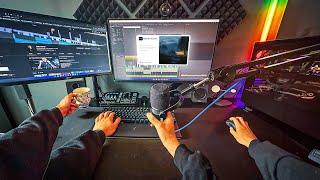
VIDEO EDITORS setup upgrade!
3.4K views

Premiere Pro in your Pocket!
1.2K views