
Roland XPS - 10 (Red) Indian Tones Demo | Harsh Shah | Anand Gujarat #Roland #RolandXps10
Difference between Roland XPS 10 Red ♥️ and Black 🖤 version : https://youtu.be/UAv15L2Vaf4 Here presenting you Awesome Indian Tones Demo of Roland Xps 10. Contact on 8320918037 to get your Indian Tones (Banjo, Harmonium, Sitar, Sarangi, Santoor and much more) Also Contact me for purchase of Roland XPS 10 (Red/Black) Videography/Demo/Editing : Harsh Shah Download Some Free India Tones from Roland Website : http://www.roland.co.in/support/by_product/xps-10/updates_drivers/410005 Also see my unboxing video of XPS 10 : https://www.youtube.com/watch?v=V6E9i7_HAbk
About This Video
Frequently Asked Questions
🎬 More from Harsh Shah Music
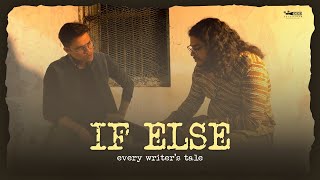
If Else - Every Writer's Tale | Short Film | Harsh Shah | Hriday Pathak | Fabian Rebello
695 views
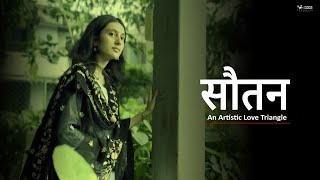
Sautan - An Artistic Love Triangle | Heer Nimavat | Harsh Shah | Viraj Vala
360 views
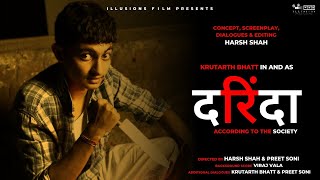
Darinda | Short Film | Harsh Shah | Preet Soni | Krutarth Bhatt | Viraj Vala
621 views
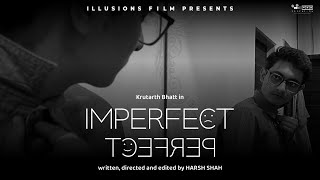
IMPERFECT PERFECT | HARSH SHAH | KRUTARTH BHATT | SHORT FILM
349 views
150 RUPIYA NO SHIRT | SHORT STORY | 01 | HARSH SHAH | VARTALAAP
162 views
Designing the Murder | Short Film | Harsh Shah
125 views