
Retro Colorful Gradient with Black and White Threshold Effect in Photoshop Tutorial
🛍️ Products Mentioned (2)

In this Photoshop tutorial, I explain how to use the Threshold Command and the Gradient Tool along with masking or layer blending modes to produce a colorful, retro effect! Subscribe for more Photoshop tutorials and turn on the notification bell if you enjoyed this tutorial. Here are the support files to follow along: https://www.pexels.com/photo/woman-in-gray-sleeve-shirt-sitting-holding-a-bouquet-of-flowers-5852981/ https://www.pexels.com/photo/people-walking-on-beach-9320207/
🎬 More from Good Creative Academy
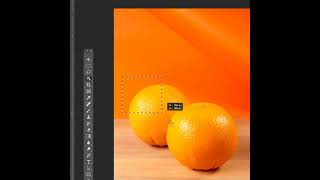
Photoshop Tutorial - Why to Mask Instead of Erase in Adobe Photoshop
216 views

Resizing and Editing Graphics in Adobe InDesign - The Complete Guide to Adobe InDesign Course
116 views

Placing Graphics and Images Effectively in Adobe InDesign - The Complete Guide to InDesign Course
138 views
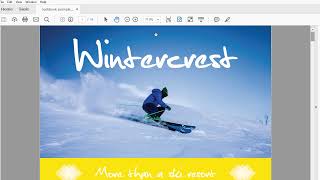
Downloading and Using the Support Files in the Complete Guide to Adobe InDesign Online Course
26 views

Introduction to the Complete Guide to InDesign Course
108 views
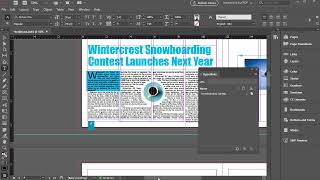
Adding External and Internal Hyperlinks in Adobe InDesign
188 views