
Object Selection Tool Tutorial - New in Photoshop 2020
🛍️ Products Mentioned (1)
New in Photoshop 2020, the Object Selection Tool is helpful for making quick selections. I explain how to use this new tool and its options. Note: at 3:04, press Spacebar, not Shift, to click and drag and move around the canvas, I was thinking of adding to the selection. Learn industry-standard photo retouching and effects in our Photoshop retouching and effects masterclass: https://www.udemy.com/course/photoshop-portrait-photography-techniques/?referralCode=9C60B7DC5FC6F3E51AE5 Subscribe for more Photoshop tutorials!
🎬 More from Good Creative Academy
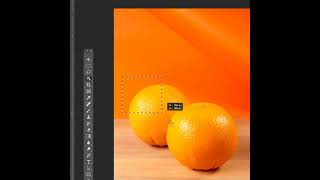
Photoshop Tutorial - Why to Mask Instead of Erase in Adobe Photoshop
216 views

Resizing and Editing Graphics in Adobe InDesign - The Complete Guide to Adobe InDesign Course
116 views

Placing Graphics and Images Effectively in Adobe InDesign - The Complete Guide to InDesign Course
138 views
Downloading and Using the Support Files in the Complete Guide to Adobe InDesign Online Course
26 views

Introduction to the Complete Guide to InDesign Course
108 views
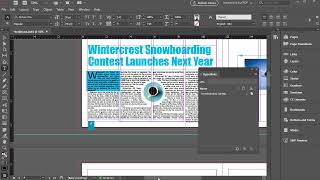
Adding External and Internal Hyperlinks in Adobe InDesign
188 views