
Architecture Workflow Workstation Build | Rhino + Grasshopper Modeling + Octane Rendering Beast 🖥️✨
📬 Get Your Custom Workstation 👉 gigageektech.com/contact 📧 Email: gigageektech@gmail.com 🌐 Website: gigageektech.com Rhino + Grasshopper can get heavy fast—then add Illustrator linework + Cinema4D/Octane and laptop render times become brutal. In this video, I break down a workflow-specific Architecture Workstation built for smooth modeling + generative design, cleaner linework exports, and much faster Octane renders (so you don’t have to lower DPI to finish on time). Keep the first bullet point and change the description based on the video script in my style
About This Video
Frequently Asked Questions
🎬 More from GigaGeek
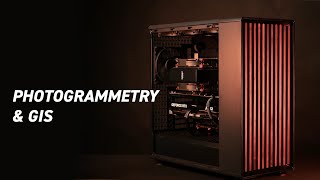
Photogrammetry & GIS Workstation Build (2025): Threadripper 7960X + RTX 5080 for Metashape/QGIS
599 views
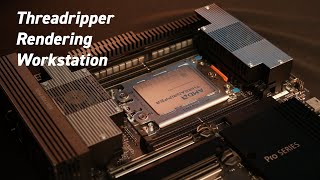
Why I Built This $8K Workstation for V-Ray, Lumion, and AutoCAD
504 views
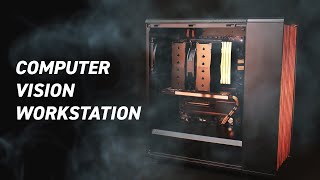
Complete AI Computer Vision Workstation Build Guide | OpenCV, YOLO, & More 🖥️ ✨
1.4K views
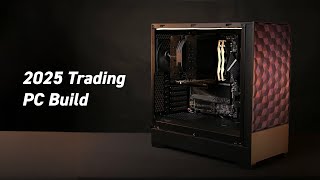
2025 Professional Trading Computer Build Guide: Multi-Monitor Setup Mastery
12.2K views
Ultimate RTX 4090 Rendering Workstation: Complete Build Guide
4.5K views
Building The PERFECT 3D Rendering Beast PC in 2025!
31.5K views