
Reinstall Chrome OS on a Chromebook using a USB-stick
🛍️ Products Mentioned (2)
This is how you use a USB-stick prepared with a fresh version of ChromeOS to wipe your Chromebooks´ hard drive and re-install ChromeOS on it. This also deletes all files stored on the computer, making it an alternative to the normal factory reset functionality. *Normal Factory Reset (Powerwash)* If you are just looking to delete your personal settings and files from the computer, I recommend using the built in functionality (called "Powerwash") for that instead. Please see my video on how to do that, here: https://youtu.be/MIhDiIdLNYQ *Re-install ChromeOS using an Internet Connection* There is also an option to have the Chromebook automatically download a new version of ChromeOS and install it, without having to use a USB-stick to move the files over to the computer. Please see my video on how to do that, here: https://youtu.be/rk7NXLbCN1s Please share any thoughts or questions in the comments below, and I'll do my best to answer them. *~* 🔥 My *#1* Tech Products of Right Now → https://amzn.to/4kgYrdP 🧰 My YouTube Video Gear → https://amzn.to/43nTOZJ
🎬 More from Get There Faster
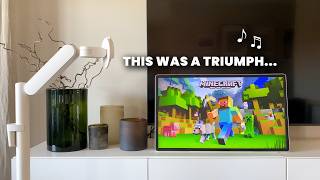
Samsung The Movingstyle | Review | Best One So Far
673 views
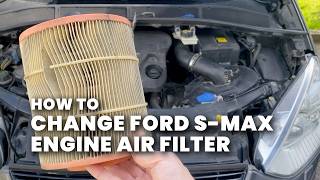
Ford S-Max 2.2 TDCi | How to Replace the Engine Air Filter
81 views
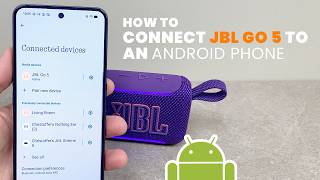
How to Pair JBL Go 5 to an Android Phone
127 views

JBL Xtreme 5 | Review | Mucho Sound!
1.5K views
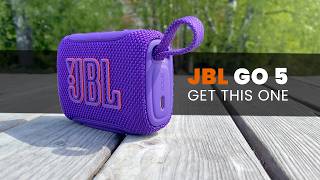
JBL Go 5 | Review | The Mini Speaker to Get
1.6K views
Stumble Guys | Login Failed | How to Fix
1.2K views