
REVEALED Poster Design in Photoshop Secrets Nobody Knows!
🛍️ Products Mentioned (2)
In this week's video, we look at creating an 80's style poster from start to finish. All assets are available for download below, and be sure to also go to CGHacks.com (link below) to download some of their FREEBIES. This is a start-to-finish step-by-step tutorial which I hope you find helpful. If you are relatively new to Photoshop theirs a couple of small tricks in here to get results fast. If you want to fast-forward to certain Chapters, please check down below. Thanks for watching :) ASSETS https://www.dropbox.com/scl/fo/koj7yybtoufqkizqs0a7a/AH5l_JAutOVb_q1BWequxWE?rlkey=32o1twj6l9wtafx7tzf11y4c9&st=uw232r5u&dl=0 CGHACKS https://cghacks.com/collections/cg-hacks-freebies CHAPTERS: 00:00 Document Set-Up 03:16 Working With AI 05:46 Expand and Clean up 08:35 Hair Color 12:35 Add Images 18:18 Group Layers 20:37 Edit in a Different Tab 28:34 Adjusting Elements 33:33 Editing Individual Elements 37:17 Editing and Adding Light 40:12 Quick Adjustments for Effect 48:37 Outer Glow Layer 51:24 Camera Raw Filter 56:12 Add Texture
🎬 More from Gary McIntyre Photographer
Why Your Landscape Photos Look Flat (And How to Fix It)
4.4K views
This Doesn't Look Like Photography...But It Is
6.9K views
ICM & Multiple Exposure Editing Techniques
3.0K views
DXO PURERAW 6 Better Than RAW
2.2K views
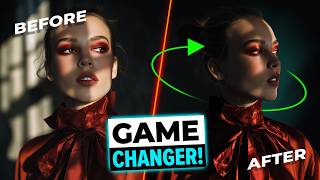
This Shouldn't Be Possible in Photoshop...
726 views
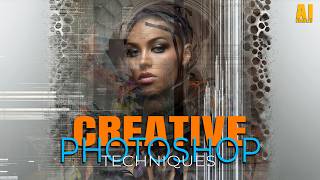
Creative Photoshop Techniques
5.2K views