
Setup Reolink Battery-powered IP Camera for cloud recording (Argus, Reolink Go, Pro, Eco, PT, Plus)
🛍️ Products Mentioned (3)
In this video, we will show you how to configure a Reolink Battery Powered IP camera to record image snapshots to CameraFTP cloud. Reolink battery powered IP cameras incl.: Argus, Argus Pro, PT and Eco; and Reolink Go, Pro, PT. These cameras support motion-triggered recording to a local SD card. Local recording is not as secure as cloud recording. An intruder could steal or destroy your camera and SD card, but not the footage in the cloud. To configure it for cloud recording, you need to follow the manufacturer's instructions to setup the camera first. It has 4 steps: 1. Install the Reolink mobile app. 2. Add the camera to the app by scanning the QR code on your camera. 3. Configure the camera's WiFi connection. 4. Connect to the camera from the app. Now visit cameraftp.com website, sign up for a free trial or log in, then click Add to add a camera. After a camera is added, go to My Cameras page, click the Settings icon below the camera thumbnail. You can then find the email account info, which you will need it later. From the Reolink mobile app, tap the camera settings icon, then tap Email Alerts, enable it, then tap Set Up Now. It will display the Email Settings screen. Enter the email account info from the previous step, enable SSL/TLS and set the Port number to 465. Tap Save, it will save the info and automatically send a test email. If the info is correct, then it will display a message indicating a test email has been sent. You have successfully configured the camera to upload images to CameraFTP.com! Now trigger some events by waving your hand before the camera, it will upload images to CameraFTP.com. In our testing, the camera uploads one image for each event, and the minimum interval between two events is 13 seconds. So you can order a very low-cost image recording plan. To view the recorded footage, you can use CameraFTP mobile viewer app, or just log into cameraftp.com and use the browser based viewer. CameraFTP is a leading cloud recording service provider with very broad business features. For more info, please visit cameraftp.com website and click Features. https://cameraftp.com/ (CameraFTP website) https://www.DriveHQ.com/ (CameraFTP's parent company website) https://cameraftp.com/CameraFTP/Support/SupportedCameras.aspx (Supported cameras / Setup Guide documents)
🎬 More from DriveHQ_CameraFTP
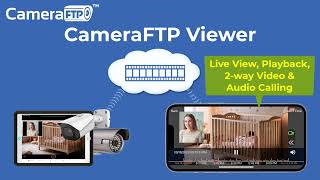
CameraFTP Viewer - Live View, Playback, 2-way Video & Audio Calling of IP camera, NVR & mobile cam
14.7K views
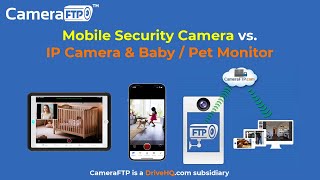
Mobile Security Camera vs IP Camera & Baby Monitor: Use Phone/Tablet as IP Camera & Baby/Pet Monitor
19.9K views

Advanced File Locking & Team Collaboration Solution for Adobe applications (Photoshop, AI, Acrobat)
144 views
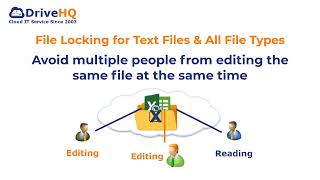
File Locking and Team Collaboration for all file types, incl. Text, Wordpad and Adobe files
275 views
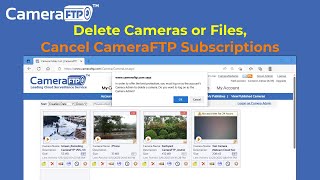
How to Delete Cloud Camera Folders/Files, Cancel CameraFTP Subscription, Reset Camera Admin Password
2.4K views
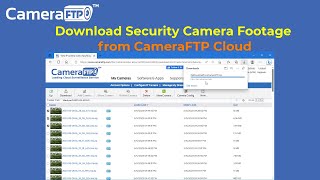
How to Download IP Security Camera Footage from CameraFTP Cloud Storage
1.6K views