
DriveHQ FileManager for Android: File Backup & Management; Copy, Paste & Save Files to Cloud
🛍️ Products Mentioned (1)
DriveHQ is a leading cloud IT service provider. DriveHQ FileManager for Android can manage both cloud and local files. It has many powerful features: 1. Access and manage cloud and local files; 2. Automatically back up files to the Cloud; 3. View photos and videos backed up from any mobile devices 4. Upload or download files and folders with copy & paste. 5. Save files to the cloud, and directly edit cloud files; 6. Encrypted Folder for ultimate security and privacy. 7. Sort or Search files and folders; 8. Folder short-cuts or favorites 9. Cloud File Sharing with granular access control. 10. File Publishing or Hosting with static file URLs. This video will focus on FileManager for Android. To get started, please download DriveHQ FileManager from the Google Play store. Then, launch it and log in or sign up. The first time you log in to FileManager, you can enable a default backup task to back up your photos and videos. Wait for it to finish or press the power button to run it in the background. You can create or edit the backup task later by tapping the Backup tab, for example, you can add a new source folder to back up. Once you backed up files from a mobile device, you can tap the Photos tab to view photos & videos backed up from all your mobile devices. You can also tap the Cloud tab to access files backed up to the cloud storage. You can tap share to access folders shared with you by other users. FileManager supports granular access control. FileManager can manage local files and folders. Just tap the Local tab. You can view or manage local photos and videos, or tap Internal Storage to manage all files and folders in your device. You can use Copy and Paste to upload or download files and folders. You can even enable the built-in FTP server to share files with local computers. You can tap the menu icon to access more advanced features, for example, the encrypted folder feature. Tap encrypted folder, then set a private encryption key. Files uploaded to the encrypted folder are encrypted locally with your own key. DriveHQ cannot even decrypt your files. DriveHQ FileManager is available for Windows, Mac, iPhone, iPad and Android. It has many powerful features for business and personal users. If you have any questions, please contact us. We hope you like this video. Please share it or subscribe to our Youtube channel, or visit https://www.DriveHQ.com/ for more info.
🎬 More from DriveHQ_CameraFTP
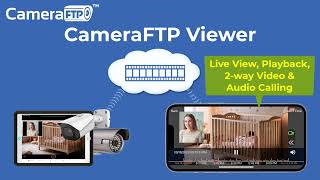
CameraFTP Viewer - Live View, Playback, 2-way Video & Audio Calling of IP camera, NVR & mobile cam
14.7K views
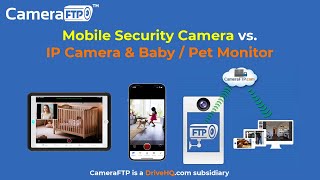
Mobile Security Camera vs IP Camera & Baby Monitor: Use Phone/Tablet as IP Camera & Baby/Pet Monitor
19.9K views

Advanced File Locking & Team Collaboration Solution for Adobe applications (Photoshop, AI, Acrobat)
144 views
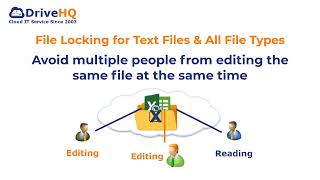
File Locking and Team Collaboration for all file types, incl. Text, Wordpad and Adobe files
275 views
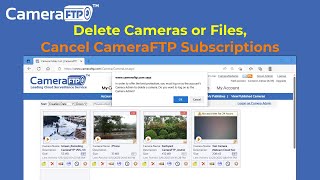
How to Delete Cloud Camera Folders/Files, Cancel CameraFTP Subscription, Reset Camera Admin Password
2.4K views
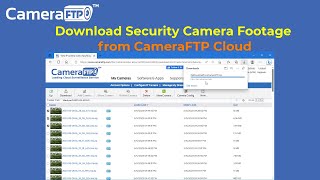
How to Download IP Security Camera Footage from CameraFTP Cloud Storage
1.6K views