
Why I will NEVER return to cmd prompt again
🛍️ Products Mentioned (1)
Here is my complete overview of the new Windows Terminal. 💽 Code/Commands: https://github.com/devopsjourney1/windows-terminal Location of Settings file: 📁 %LOCALAPPDATA%\Packages\Microsoft.WindowsTerminal_8wekyb3d8bbwe\ 🦘 Jump links: Installation 0:00 ⏩ Start 0:22 ⏩ How to install Windows Terminal 1:05 ⏩ Introduction to using Windows Terminal Windows Terminal Settings File 2:00 ⏩ Accessing the Windows Terminal Settings File 3:05 ⏩ Settings Overview 3:40 ⏩ Terminal Settings for Powershell, CMD prompt etc. Customizing Windows Terminal 4:56 ⏩ Windows Terminal Themes 6:23 ⏩ Setting Font Size in Windows Terminal Using Windows Terminal 6:57 ⏩ Windows Terminal default Keybinds 8:50 ⏩ Windows Terminal Panes 11:27 ⏩ Creating Customer Windows Terminal Keybinds/Macros 15:08 ⏩ Setting a Custom Background #code #dev #tutorial #docker
🎬 More from DevOps Journey
Portainer: The Ultimate Kubernetes Management Tool
3.7K views
Modern Infrastructure CI/CD with Spacelift
3.7K views
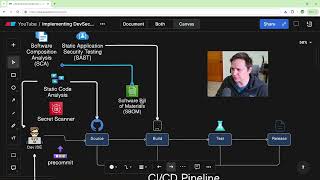
How to Create a DevSecOps CI/CD Pipeline
64.0K views

Solving Microservice Complexity with OpenTelemetry and Lumigo
3.3K views
The Anti-Malware browser that Self Destructs
1.6K views
Argo Rollouts in 15 minutes!
21.6K views