
DevOps Tool: Chocolatey. Learn how to Automate software installation on Windows. 5 Minute tutorial.
🛍️ Products Mentioned (3)
Introduction Chocolatey is an automation framework and package manager for windows that allows you to automate software installation and dependencies easily. In this video I will show you how to install Chocolatey and start installing applications in less then 5 minutes 0:00 introduction 0:33 Installing Chocolatey through powershell 1:20 Installing googlechrome using choco 2:00 Installing firefox in silent mode 2:48 Scripting choco to install multiple applications 4:00 Applications avialable for installing using choco https://chocolatey.org/install Set-ExecutionPolicy Bypass -Scope Process -Force; [System.Net.ServicePointManager]::SecurityProtocol = [System.Net.ServicePointManager]::SecurityProtocol -bor 3072; iex ((New-Object System.Net.WebClient).DownloadString('https://chocolatey.org/install.ps1')) https://chocolatey.org/packages choco install vscode -y choco install notepadplusplus -y choco install googlechrome -y choco install firefox -y choco install vlc -y choco install git -y choco install putty.install -y choco install python -y choco install keepass.install -y
🎬 More from DevOps Journey
Portainer: The Ultimate Kubernetes Management Tool
3.7K views
Modern Infrastructure CI/CD with Spacelift
3.7K views
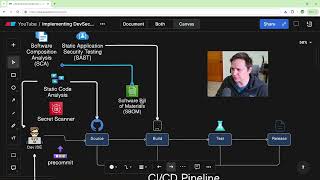
How to Create a DevSecOps CI/CD Pipeline
64.0K views

Solving Microservice Complexity with OpenTelemetry and Lumigo
3.3K views
The Anti-Malware browser that Self Destructs
1.6K views

Argo Rollouts in 15 minutes!
21.6K views