
Is this your channel?
Transfer WhatsApp data from one phone to another phone
Transfer WhatsApp data from one phone to another phone
In this tutorial I use Wondershare MobileTrans to move a complete WhatsApp account between phones, and it’s honestly the most convenient way I’ve found. The big win is you can transfer everything—chats and all media—without resetting or formatting your devices.
Pros
- +Transfers full WhatsApp data (chats + media like photos, videos, stickers, audio)
- +Works iPhone to Android, Android to iPhone, and same-platform transfers
- +Doesn’t require factory reset of either device
- +Works on both Mac and Windows
Cons
- -Requires a computer and cable connection
- -Android setup may require enabling USB debugging and adjusting security settings (like Auto Blocker)
Featured in this video
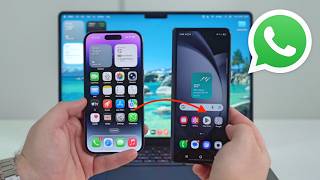
Transfer WhatsApp data from one phone to another phone
Available on Mobiletrans
External purchase
Highlights
- +Transfers full WhatsApp data (chats + media like photos, videos, stickers, audio)
- +Works iPhone to Android, Android to iPhone, and same-platform transfers
- +Doesn’t require factory reset of either device
Recommended by
Daniel About Tech